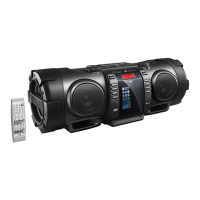
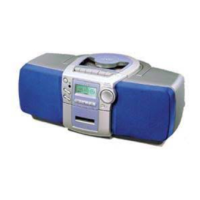
Need help?
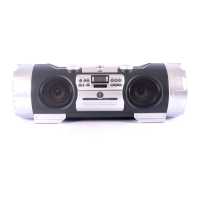
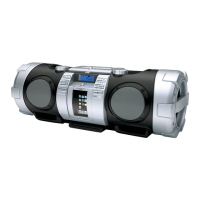
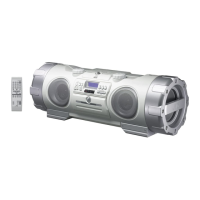
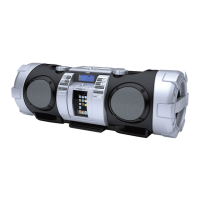
Do you have a question about the JVC RV-B550BU and is the answer not in the manual?
Information for laser products, including classification and warning labels.
Details on the classification label placed on the exterior surface of the unit.
Information regarding the warning label located inside the unit.
Essential 'do's and don'ts' for the safe operation and maintenance of the equipment.
Precautions to prevent electric shocks, fire hazards, and damage to the unit.
How to connect external audio units like turntables or MD players.
Instructions for operating the unit using the AC power cord.
Guidelines for loading and using the unit with batteries.
Instructions for operating the unit using a car battery via an adapter.
Tips for effective operation of the remote control unit.
How to turn the unit on and off using the main power button.
Guidelines on which CDs to use and how to handle them safely.
Instructions for playing a CD from start to finish and temporarily pausing playback.
How to skip tracks or search for specific positions within a CD.
Recording from a CD to a cassette tape automatically.
Configuring the timer for automatic recording or playback events.
Steps to schedule recording of radio broadcasts.
Guidance on resolving common operational issues and problems.
Detailed technical data and performance specifications for the unit.
 General
| Type | Portable CD Player |
|---|---|
| Audio Output | Stereo |
| Radio Tuner | FM/AM |
| Channels | 2 |
| Playable Media | CD, CD-R/RW, MP3 |
| Connectivity | USB, AUX Input (3.5mm) |
| Power Source | AC adapter or batteries |
| Bass Enhancement | Yes |

 To Next Page