EasyManua.ls Logo

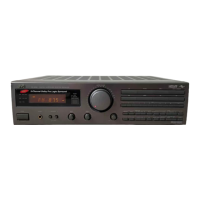
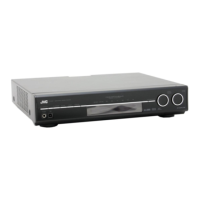
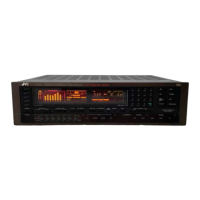
JVC RX-508VBK - Surround Sound Program Selection; Center Channel Mode Selection

JVC RX-508VBK
75 pages
Print Icon
To Next Page IconTo Next Page
To Previous Page IconTo Previous Page
Loading...
RX-SO8VBK
RX-508VBK
RX-5SO0SVTN
RX-SO9VTN
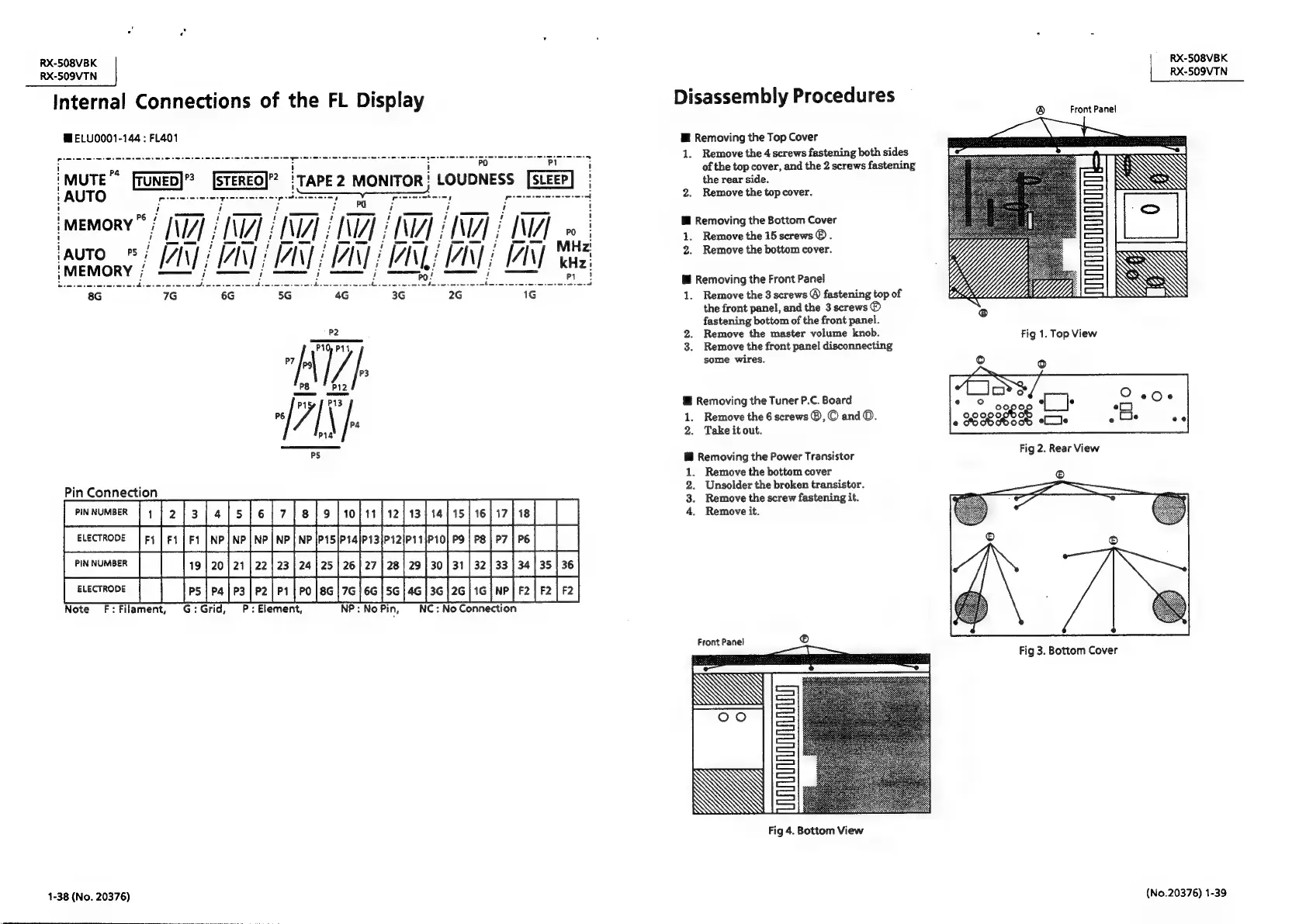
Internal
Connections
of
the
FL
Display
Disassembly
Procedures
®
Front
Panel
ME
ELU0001-144
;
FL401
Mi
Removing
the
Top
Cover
pice
ete
ieee
nena
rere
ernie
icine
eta
eee
eee
eee
seeee!
BU
5
1.
ar
rane
ehaguiktaop
wires
hiperanaed
!
:
:
:
er,
screw
iMUTE™
fruNED)’?
[STEREO|”?
iTAPE2
MONITOR!
LOUDNESS
[SLEEP]
|
there
°
:
AUTO
Soo
pecem
seen
peda
=
eae
po
=
Pictmrete
eres
4
2.
Remove
the
top
cover.
Cie
os
itey
Rarer
are
a
ee
ee:
MEMORY
TF
TAT
AINT
IMT
ICY
IMT
HINT?
DUA
1
Keamatiibcen
AUTO
;
IAN
i
IAN
IAN}
IAN
INL
IAN
I
ae
2.
Remove
the
bottom
cover.
Sten
uasestew
Peiceeees,
Ds
hiedcn
ree)
Goole
bE
cesieonl
heideaiecine
iene
Sioa
ae
i
Removing
the
Front
Panel
8G 7G
6G 5G
4G
3G
2G
1G
1.
Remove
the
3
screws
©
fastening
top
of
the
front
panel,
and
the
3
screws
®
fastening
bottom
of
the
front
panel.
P2
2.
Remove
the
master
volume
knob.
P10)
P14
3.
Remove
the
front
panel
disconnecting
P7
|
/
i
some
wires.
P3
P8
P12
Pisy
f
P13
@
Removing
the
Tuner
P.C.
Board
"
/|
\
Pa
1.
Remove
the
6
screws
®,
©
and
O.
P14
2.
Take
it
out.
i
Removing
the
Power
Transistor
1.
Remove
the
bottom
cover
;
Pin
Connection
fo
leary
[rmmomoer
Ti To
[s[e[s]el7[e]s[rofrs}r2|s3|se]is|r6[
v7] ie]
||
ener
|
swecrone
[ri
[ri]
et
[np]ne
[we]
ne
welprsjsalprafrz[prsero|
es
|re|r7
[re]
|
|
jrmmomeer
||
[19
[20]
21
[22]
23
24]
25
|
26
27
|
20
|
29
|
30
[31
|
32
33
|
94]
35
[36]
[
secnove
|
|
[os
ra]rs|e2]r1
[po]es|7e)6s
s6)4s
[36]
2c
16]
we
|r|
F2
||
Note
F:Filament,
G:Grid,
P:
Element,
NP:
No
Pin,
NC
:
No
Connection
Front
Panel
©
Fig
3.
Bottom
Cover
Fig
4.
Bottom
View
1-38
(No.
20376)
(No.20376)
1-39

Related product manuals