14
Using the TV’s menus
INPUT
You can view images from VCRs or other
devices connected to your TV.
1 Press MENU T to display the
“MENU 1” menu, then select
“INPUT”.
MENU 1
INPUT TV
VNR ON
COMPRESS(16:9) ON
PICTURE TILT 00
SELECT BY EXIT BY
OPERATE BY -+
DISPLAY
2 Press MENU
/
to select the
VIDEO mode.
TV mode changes to VIDEO mode.
PICTURE TILT
< AV-29 models only >
There are cases where the Earth’s magnetic
force may make the picture tilt. If this
happens, you can correct the picture tilt.
1 Press MENU T to display the
“MENU 1” menu, then select
“PICTURE TILT”.
MENU 1
INPUT TV
VNR ON
COMPRESS(16:9) ON
PICTURE TILT 00
SELECT BY EXIT BY
OPERATE BY -+
DISPLAY
2 Continue pressing MENU
/
until
the picture becomes level.
VNR
You can reduce picture noise.
1 Press MENU T to display the
“MENU 1” menu, then select
“VNR”.
MENU 1
INPUT TV
VNR ON
COMPRESS(16:9) ON
PICTURE TILT 00
SELECT BY EXIT BY
OPERATE BY -+
DISPLAY
2 Press MENU
/
to select “ON”.
To cancel the VNR function, select “OFF”.
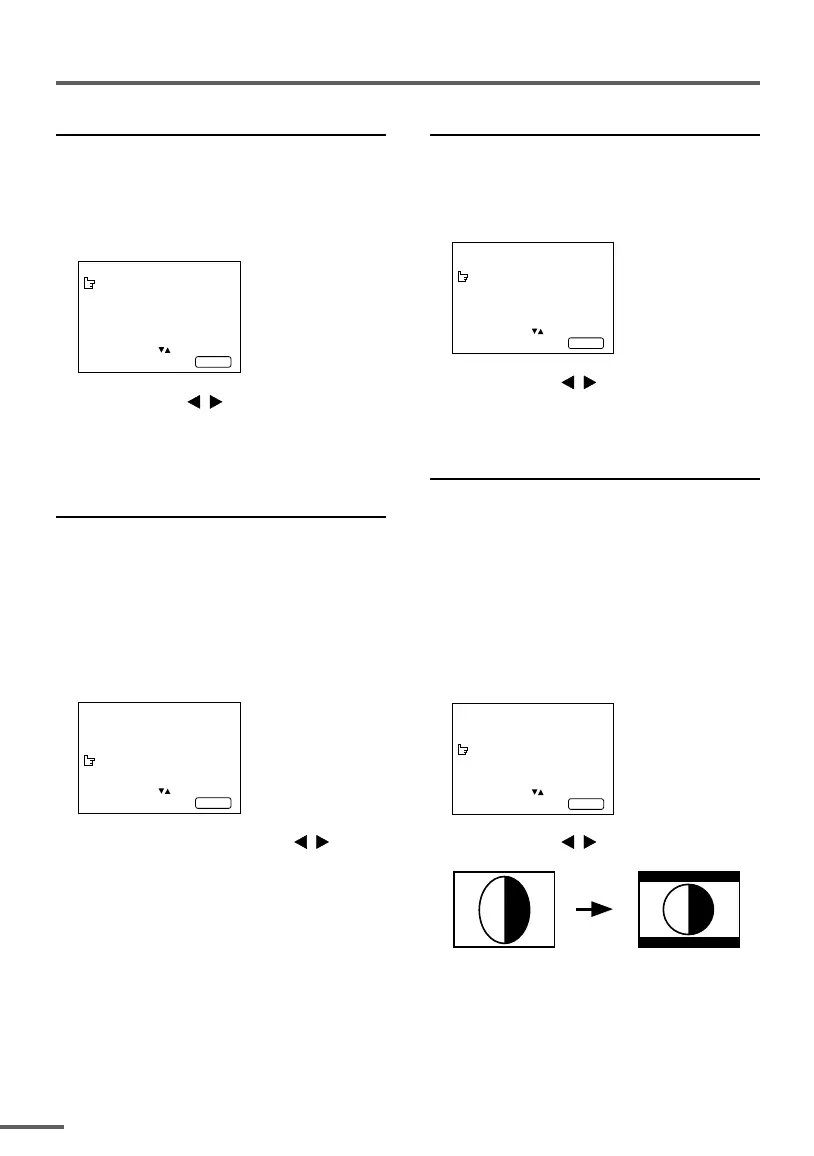
COMPRESS (16:9)
This function converts a normal picture (4:3
aspect ratio) into a wide picture (16:9 aspect
ratio).
Use for pictures with a 16:9 aspect ratio that
have been squeezed into a normal picture
(4:3 aspect ratio), to restore their original
dimensions.
1 Press MENU T to display the
“MENU 1” menu, then select
“COMPRESS (16:9)”.
MENU 1
INPUT TV
VNR ON
COMPRESS(16:9) ON
PICTURE TILT 00
SELECT BY EXIT BY
OPERATE BY -+
DISPLAY
2 Press MENU
/
to select “ON”.
To cancel the COMPRESS (16:9) function,
select “OFF”.


 To Next Page
 Loading...





