– 16 –
English
3
Press the number buttons to select a preset number.
Ex. For preset number 5, press 5.
For preset number 15, press +10, then 5.
For preset number 20, press +10, then 10.
For preset number 30, press +10, +10, then 10.
• You can also select the preset number by pressing
¢ or 4.
4
Press SET again.
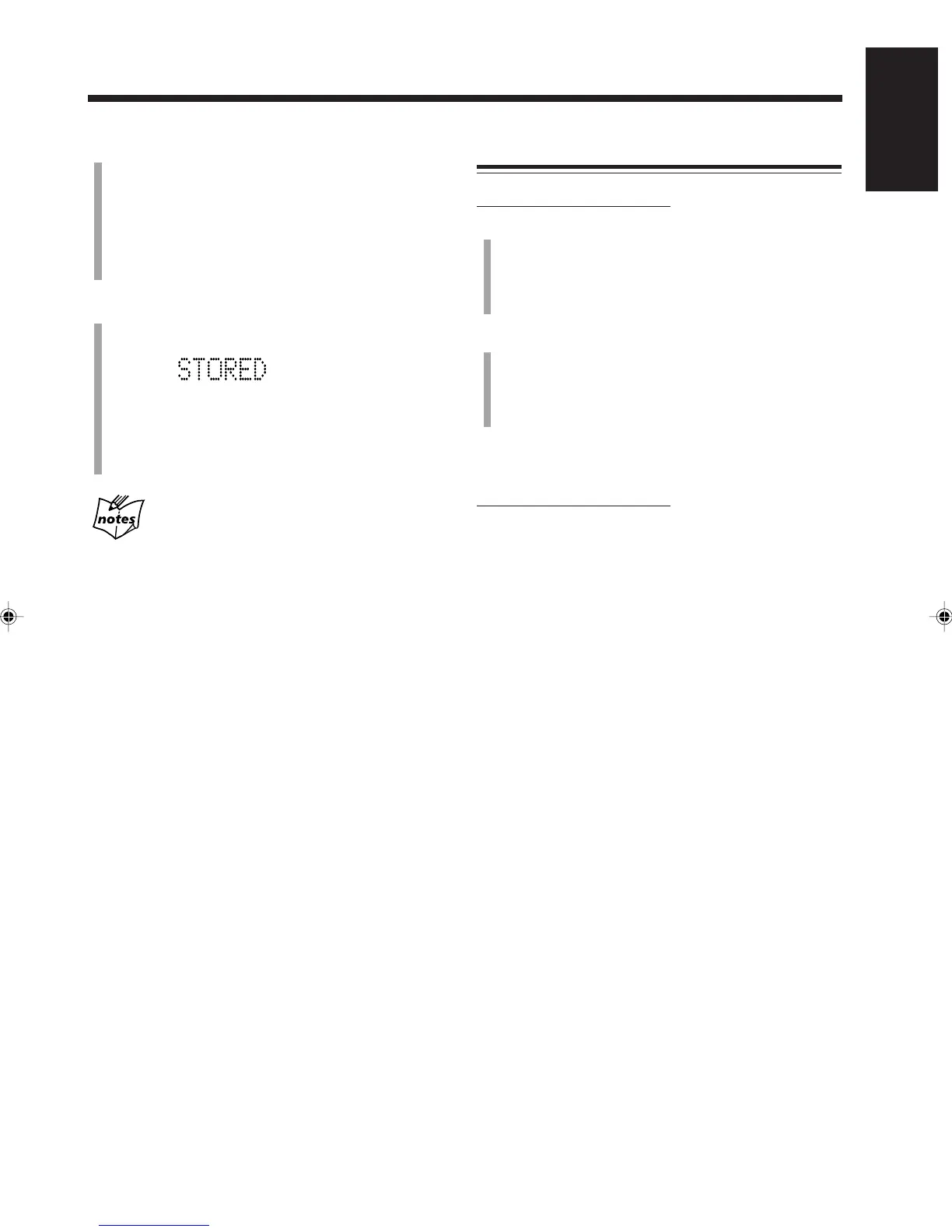
“STORED” appears on the display for a while.
The tuned station in step
1
is stored in the preset
number selected in step
3
.
• Storing a new station on a used number erases the
previously stored one.
When you unplug the AC power cord or if a
power failure occurs
The preset stations will be erased. If this happens, preset the
stations again.
Tuning in a Preset Station
On the remote control ONLY:
1
Press FM/AM repeatedly to select “FM” or “AM.”
The unit automatically turns on with the last selected
station.
• Each time you press the button, the band alternates
between FM and AM.
2
Press the number buttons to select a preset number.
Ex. For preset number 5, press 5.
For preset number 15, press +10, then 5.
For preset number 20, press +10, then 10.
For preset number 30, press +10, +10, then 10.
To check the clock time while listening to the
broadcast
On the remote control ONLY:
Press DISPLAY (not on number buttons.)
• Each time you press the button, the source information
and the clock time alternate on the display.
EN14-16UX-A52[UNUSUJ]_f 01.12.21, 21:1816


 To Next Page
 Loading...