RANDOM PLAY/SKIP AND SEARCH FUNCTIONS
RANDOM
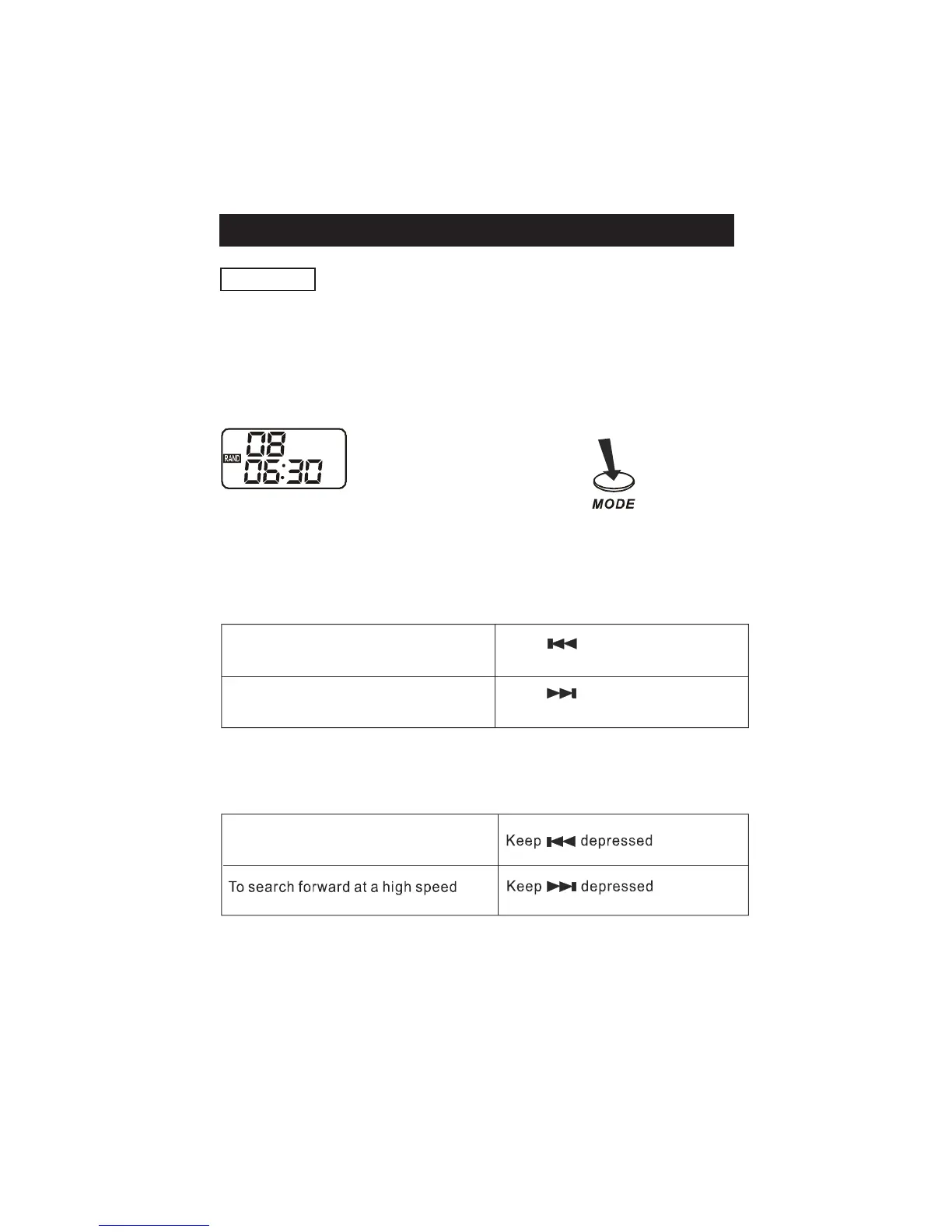
Enables all the tracks on a disc to be played in a Random ( RAND ) sequence.
For example : If “RAND” is selected while playing track 8, the random function
wi ll com me nce once track 8 has en ded.
When all tracks on a disc have been played the player will automatically stop
and power down in approx. 1 minute to preserve battery life.
Press MODE button again to return to the NORMAL play mode.
Locating a Particular track
Locating a Particular Point in a track
Low level audio will be heard during the search process to assist in locating the
co rr ect po int i n the track.
X4 presses
During play
EN-10



 To Next Page