EasyManua.ls Logo

JZAQ BT30 - Core Operations; Charging and Power Management; Bluetooth Pairing and Re-pairing

JZAQ BT30
8 pages
Print Icon
To Next Page IconTo Next Page
To Previous Page IconTo Previous Page
Loading...
FUNCTION
&
OPERATION
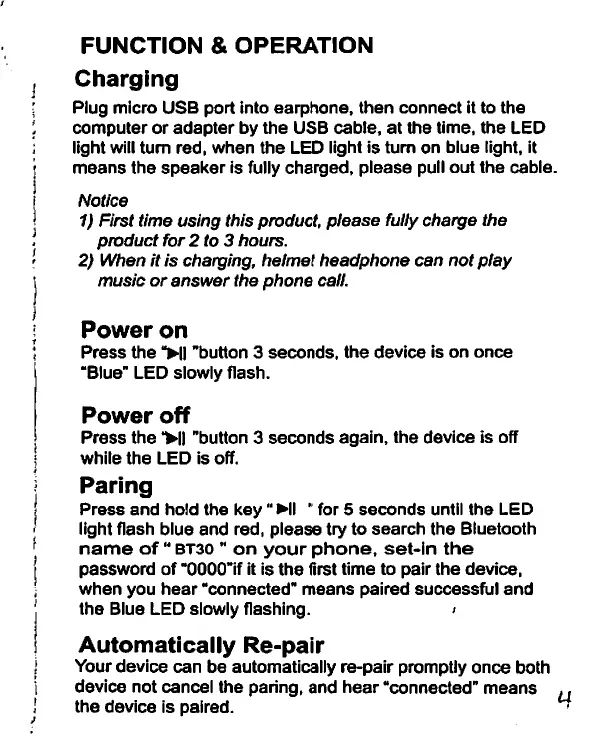
Charging
Plug
micro
USB
port
into
earphone,
then
connect
it
to
the
computer
or
adapter
by
the
USB
cable,
at
the
time,
the
LED
light
wiil
turn
red,
when
the
LED
light
is
turn
on
blue
light,
it
means
the
speaker
is
fully
charged,
please
pull
out
the
cable.
Notice
1)
First
time
using
this
product,
please
fully
charge
the
product
for
2
to
3
hours.
2)
When
it
is
charging,
helmet
headphone
can
not
play
music
or
answer
the
phone
call.
J
Power
on
Press
the
>ll
’button
3
seconds,
the
device
is
on
once
“Blue"
LED
slowly
flash.
Power
off
Press
the
>||
’button
3
seconds
again,
the
device
is
off
while
the
LED
is
off.
Paring
Press
and
hold
the
key
HI
for
5
seconds
until
the
LED
light
flash
blue
and
red,
please
try
to
search
the
Bluetooth
name
of
bt30
on
your
phone,
set-in
the
password
of
’OOOO’if
it
is
the
first
time
to
pair
the
device,
when
you
hear
’connected’
means
paired
successful
and
the
Blue
LED
slowly
flashing.
>
Automatically
Re-pair
Your
device
can
be
automatically
re-pair
promptly
once
both
device
not
cancel
the
paring,
and
hear
“connected’
means
the
device
is
paired.