EasyManua.ls Logo

JZAQ BT30 - Functional Controls; Music Playback and Volume; Call Management; Voice Assistant and Warnings

JZAQ BT30
8 pages
Print Icon
To Next Page IconTo Next Page
To Previous Page IconTo Previous Page
Loading...
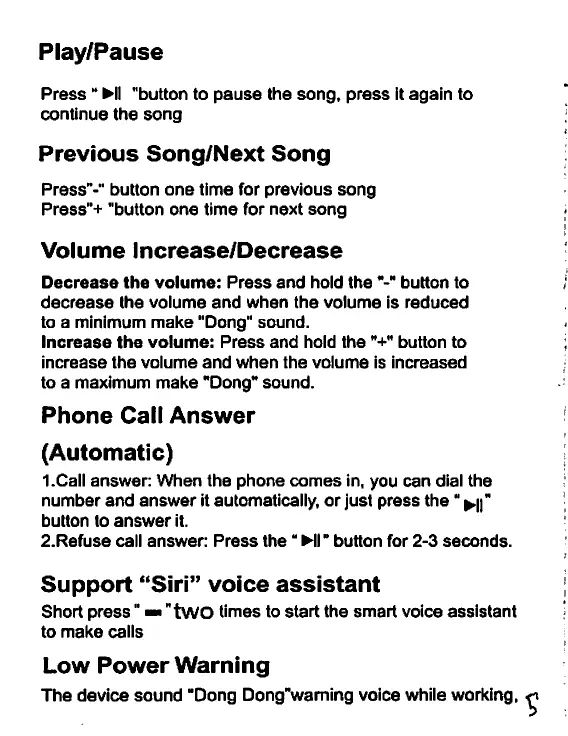
Play/Pause
Press
^11
"button
to
pause
the
song,
press
It
again
to
continue
the
song
Previous
Song/Next
Song
Press"-"
button
one
time
for
previous
song
Press"+
"button
one
time
for
next
song
Volume
Increase/Decrease
Decrease
the
volume:
Press
and
hold
the
button to
decrease
the
volume
and
when
the
volume
is
reduced
to
a
minimum
make
“Dong"
sound.
Increase
the
volume:
Press
and
hold
the
button
to
increase
the
volume
and
when
the
volume
is
increased
to
a
maximum
make
“Dong*
sound.
Phone
Call
Answer
(Automatic)
I.Call
answer:
When
the
phone
comes
in,
you
can
dial
the
number
and
answer
it
automatically,
or
just
press
the
^n"
button
to
answer
it.
2.Refuse
call
answer:
Press
the
HI
button
for
2-3
seconds.
Support
“Siri”
voice
assistant
Short
press
■■
"tWO
times
to
start
the
smart
voice
assistant
to
make
calls
Low
Power
Warning
The
device
sound
"Dong
Dong"waming
voice
while
working,
^