14
Settings for Use with Shrink Tube
Adjusting Print Density
Print density is adjustable in seven levels. Adjust the print density if you nd that the printing is too light or
dark. Usually use “0”, but with Heat Shrink Tube you can use up to +3.
Press the Shift Key while holding down the Setting/Extra Key.
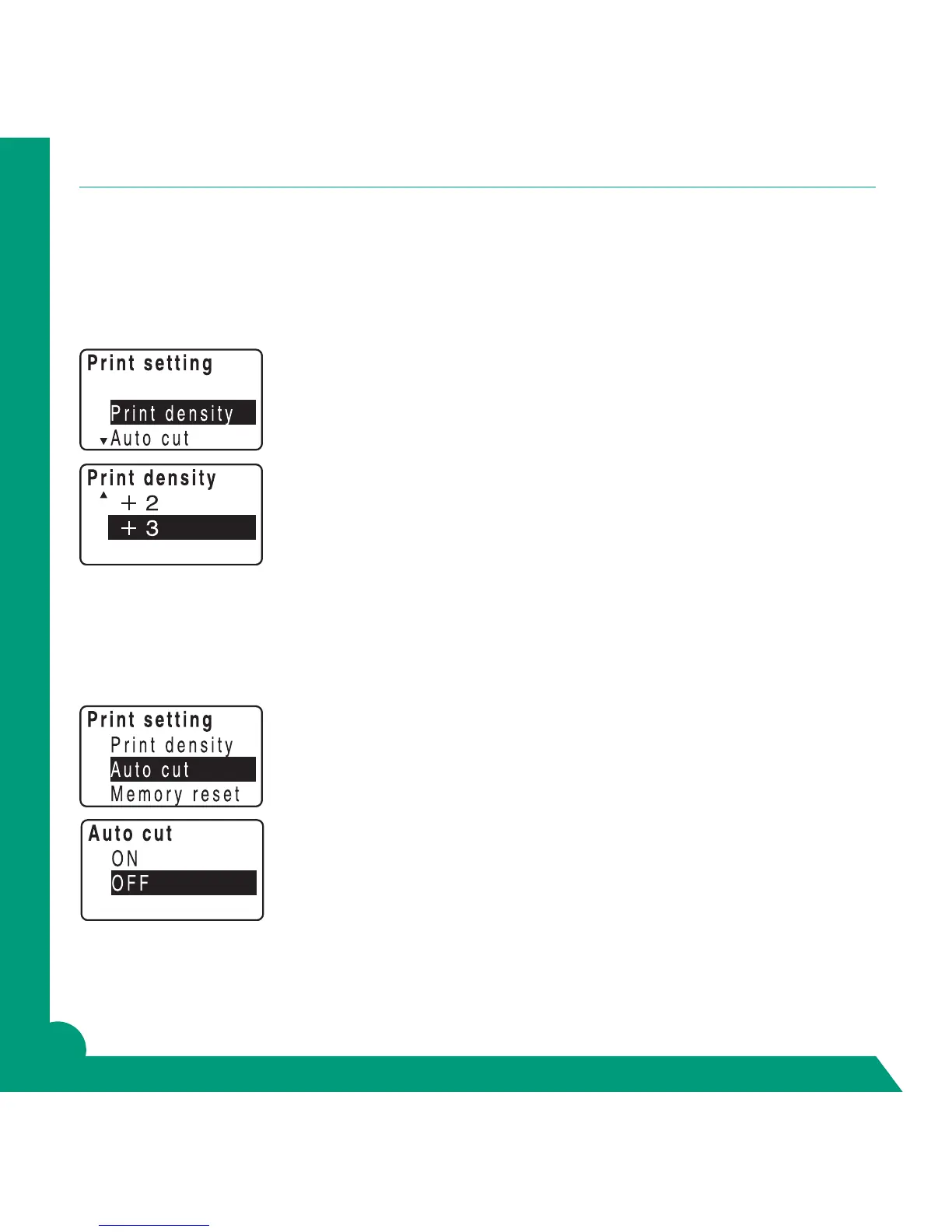
Your screen will show Print setting.
Using arrows highlight Print density. Return.
Using arrows to +3. Return.
Adjusting Autocut
The GREEN MACHINE
®
automatically cuts off the label after printing it. However, it is possible to turn off
this feature.
Press the Shift Key while holding down the Setting/Extra Key.
Your screen will show Print setting.
Arrow to Auto cut. Return.
Screen will show ON or OFF.
Make sure ON is highlighted and return.
To turn off, repeat steps but choose OFF.



 To Next Page