8
Create 2 Lines, Different text sizes on each line.
(Also can use this technique for 3 lines or 4 lines depending on the tape size.)
On Line 1 type “GREEN”, Return.
On Line 2 type “MACHINE”, Do not return.
Now press Text Size Key until you get the desired length, style.
Review in Graphic Preview before printing.
Press Print.
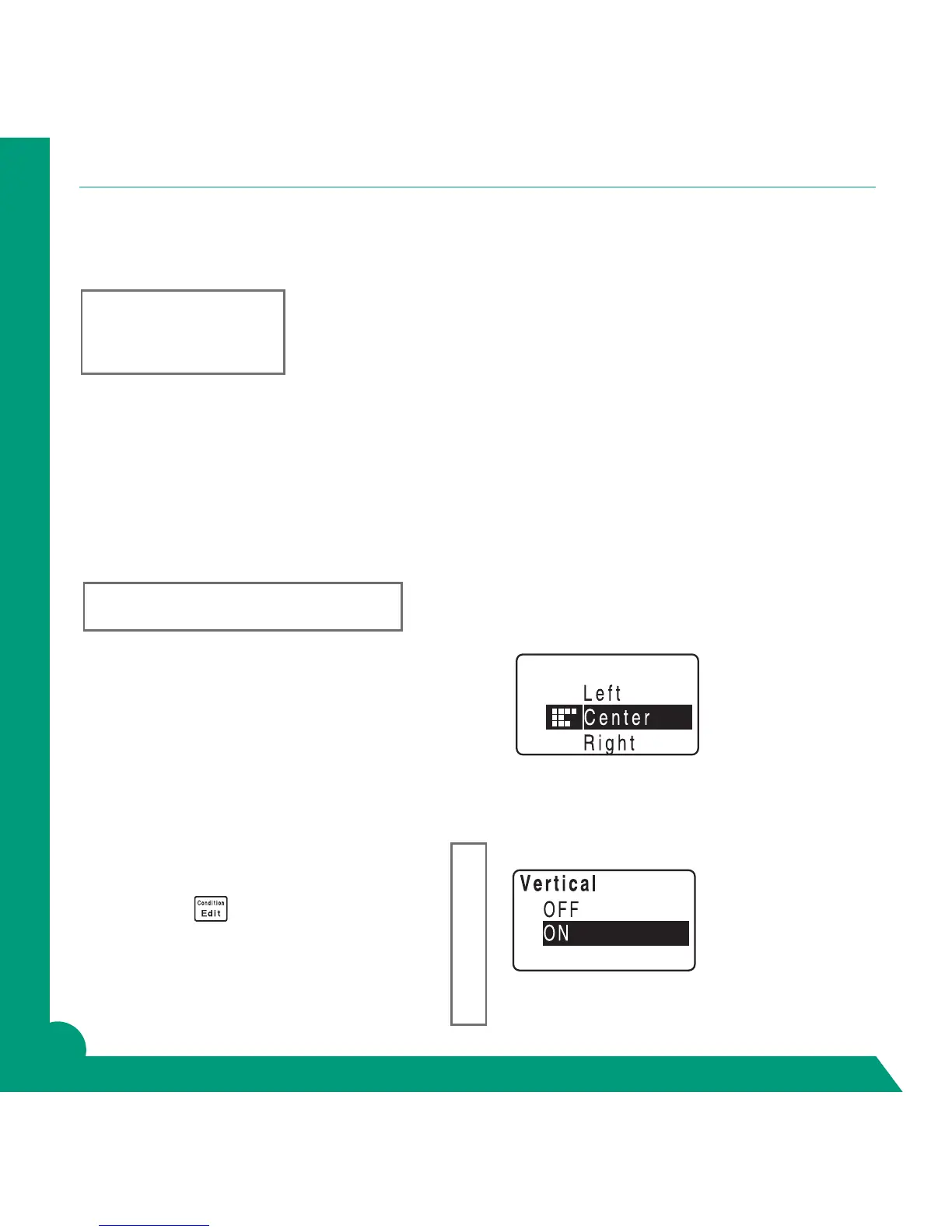
Center Text on Label
On Line 1 Type “GREEN MACHINE”, Do not return.
Press Edit Key.
Arrow to Layout, Return.
Arrow to Center, Return.
Screen will say “Area?” “Whole Label”, Return.
Press Graphic Preview key before printing.
Press Print.
Create Vertical Label
On Line 1 Type “GREEN”, Do not return.
Press Edit Key.
Arrow down to Vertical, Return.
Arrow to On, Return.
Screen will say “Area?” “Whole label”, Return.
(Watch graphic preview to conrm vertical.)
GREEN
MACHINE
GREEN MACHINE
G
R
E
E
N



 To Next Page