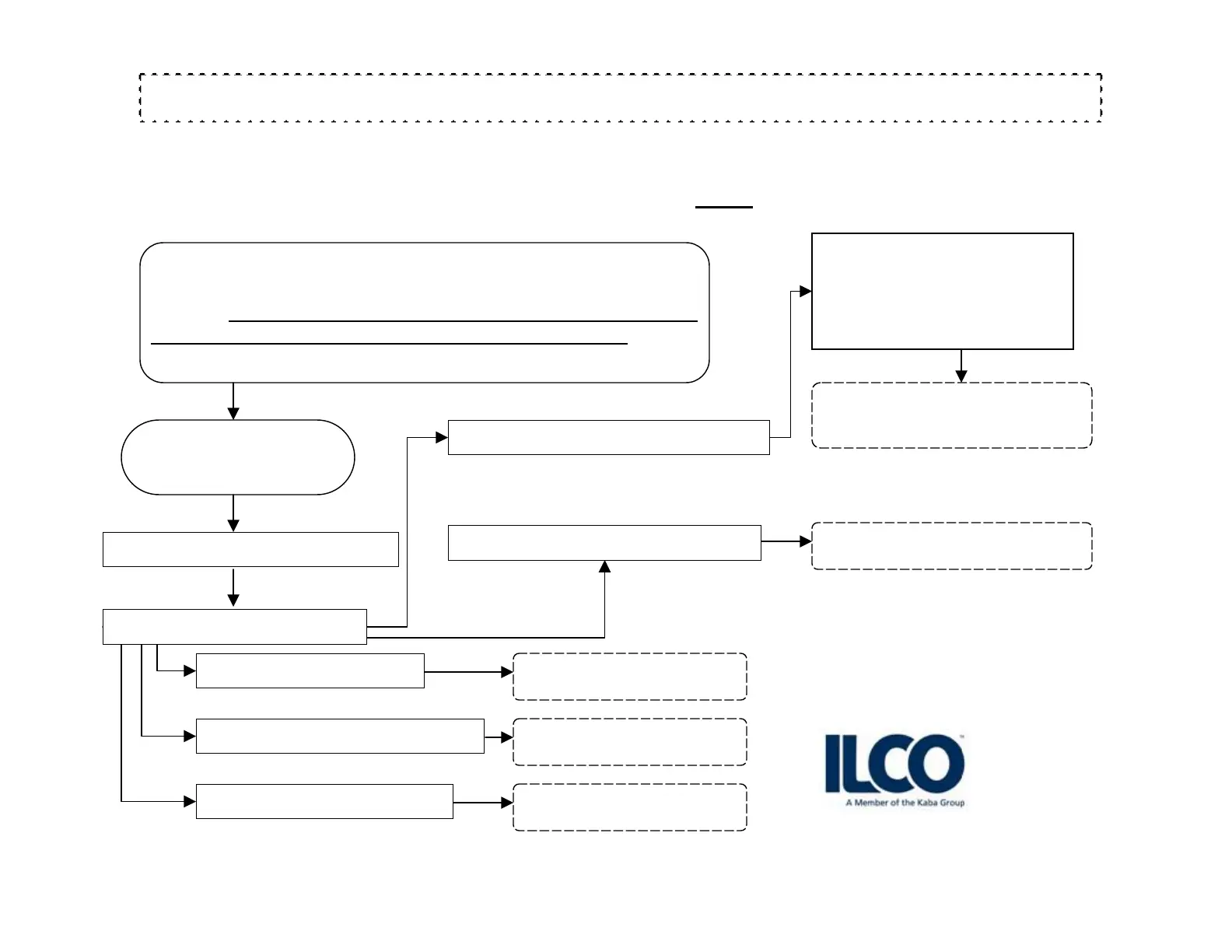
PROCEDURE TO INVALIDATE/CANCEL LOST STAFF KEYCARDS
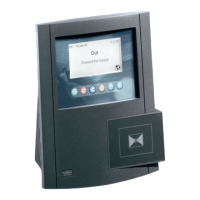
Swipe GMA in FDU:
MAIN MENU:
When a keycard is lost it is imperative to cancel it immediately.
To cancel the missing keycard make the corresponding reset
keycard. Swipe the reset keycard in all the hotel locks card had
access to, including the guest / staff common area locks. After all
doors are swiped, Wait 30 minutes before issuing any new cards.
Arrow down, enter level #
Then press enter.
Swipe keycard
PRESS 1 for RESET SUBMASTER
Then press enter.
Swipe keycard
Then press enter.
Swipe keycard
PRESS 4 for GRAND MASTER
Then press enter.
Swipe keycard
Then press enter.
Swipe keycard
PRESS 5 for RESET KEYCARD
PRESS 3 for RESET STAFF
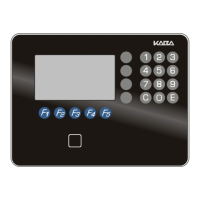
G4
Sign up for our Technical Support Website http://connect.kabalodging.com/
lodging-tech@kaba-ilco.com
1-800-906-4526
PRESS 5 for EMERGENCY
PRESS 3 for BELLMAN
PRESS 2 for RESTRICTED AREA
Press 1 for RESET SECTION
Press 2 for RESET FLOOR
Press 3 for RESET GROUP
Press 4 for RESET ZONE
Press 5 for RESET AREA



 To Next Page