7
RGBS INPUT:
Accepts the RGBS Signal. We recommend you press the “RGBS SYNC
SELF-LOCKING BUTTON” down to get a clean sync signal through the
LM1881 chip when using RGBS.
NOTE:
If you are using this input for a progressive scan RGBS signal (normally
480p or 576p), please press down these two switches at the same time. The
“RGBS SYNC SELF-LOCKING BUTTON” and “SYNC ON GREEN SELF-
LOCKING BUTTON”.
RGB KNOB:
Adjust the red, green and blue signals intensity of the output images.
COMPATIBILITY MODE SLIDE SWITCH:
Toggles compatibility mode ON and OFF.
NOTE:
The “Sega 32x/Neo Geo AES” consoles require the compatibility mode slide
switch to be turned ON. For best results restart the GBSC for the changes to
take effect.
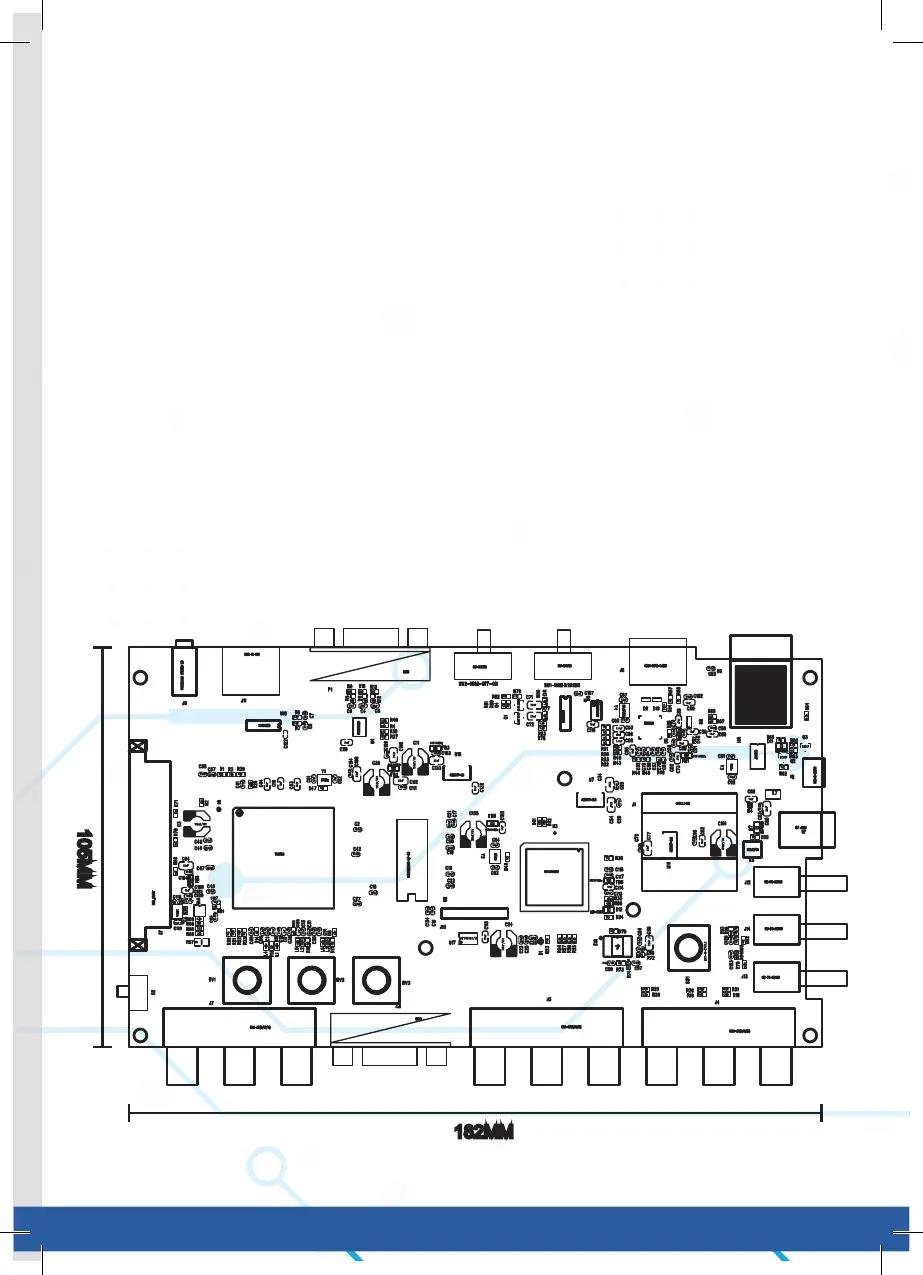
182MM
105MM



 To Next Page