54
EN
Unit
Specifications
and Features
For a detailed explanation of each function,
refer to the Remote Control Manual.
Other Features
•
•
Auto-Restart
If the unit loses power, it will automatically
restart with the prior settings once power has
been restored.
• Anti-mildew (some units)
When turning o the unit from COOL, AUTO
(COOL), or DRY modes, the air conditioner will
continue operate at very low power to dry up
condensed water and prevent mildew growth.
• Wireless Control (some units)
Wireless control allows you to control your air
conditioner using your mobile phone and a
Wireless connection.
• Louver Angle Memory(some units)
When turning on your unit, the louver will
automatically resume its former angle.
• Refrigerant Leakage Detection (some
units)
The indoor unit will automatically display “EC”
For a detailed explanation of your unit’s
advanced functionality (such as TURBO
mode and its self-cleaning functions),
refer to the Remote Control Manual.
Air Filter Reminders (some units)
The “timer” indicator light turns o and
the “run” indicator light ashes 7 times
when the unit detects refrigerant leakage.
Air Filter Cleaning Reminder
Air Filter Replacement Reminder
After 240 hours of use, the “run” &
“timer” indicator lamps on the indoor
unit will ash simultaneously and the
display window on the indoor unit will
ash
“CL” (if applicable). This is a
reminder to clean your lter. After 15
seconds, the unit will revert to its
previous display.
To reset the reminder, press the LED
button on your remote control 4 times,
or press the MANUAL CONTROL botton
3 times. If you don’t reset the reminder,
the
“CL”, “run” & “timer” indicator
lamps will ash again when you restart
the unit.
After 2,880 hours of use, the “run” &
“timer” indicator lamps will ash
simultaneously for 10 times, then
remain on for ve seconds,and
the
display window on
the indoor unit will
ash “nF”(if applicable)
to replace your lter. After that, the unit
will revert to its previous display.
To reset the reminder, press the LED
button on
your remote control 4 times,
or press the
MANUAL CONTROL botton
3 times. If you don’t reset the reminder,
the
“nF”, “run” & “timer” indicator
lamps will ash again when you restart
the unit.
For the USB device access, replacement,
maintenance operations must be carried
out by professional sta.
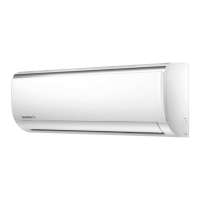
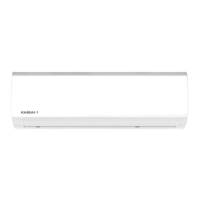
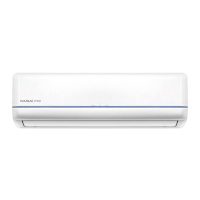
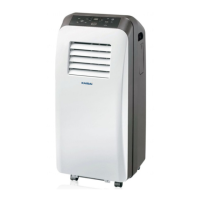
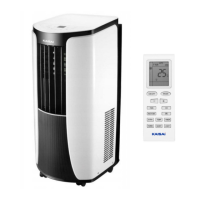
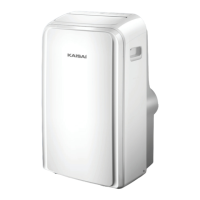
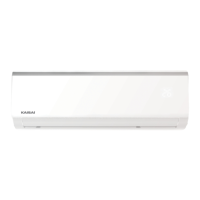
NOTE ON ILLUSTRATIONS
Illustrations in this manual are for explanatory purposes. The actual shape of your indoor unit may be
slightly dierent. The actual shape shall prevail.
57



 To Next Page