How to operate your unit without
the remote control
To operate your unit manually:
BEFORE MANUAL OPERATION
Unit must be turned o before manual operation.
Manual Operation(without remote)
2
CAUTION
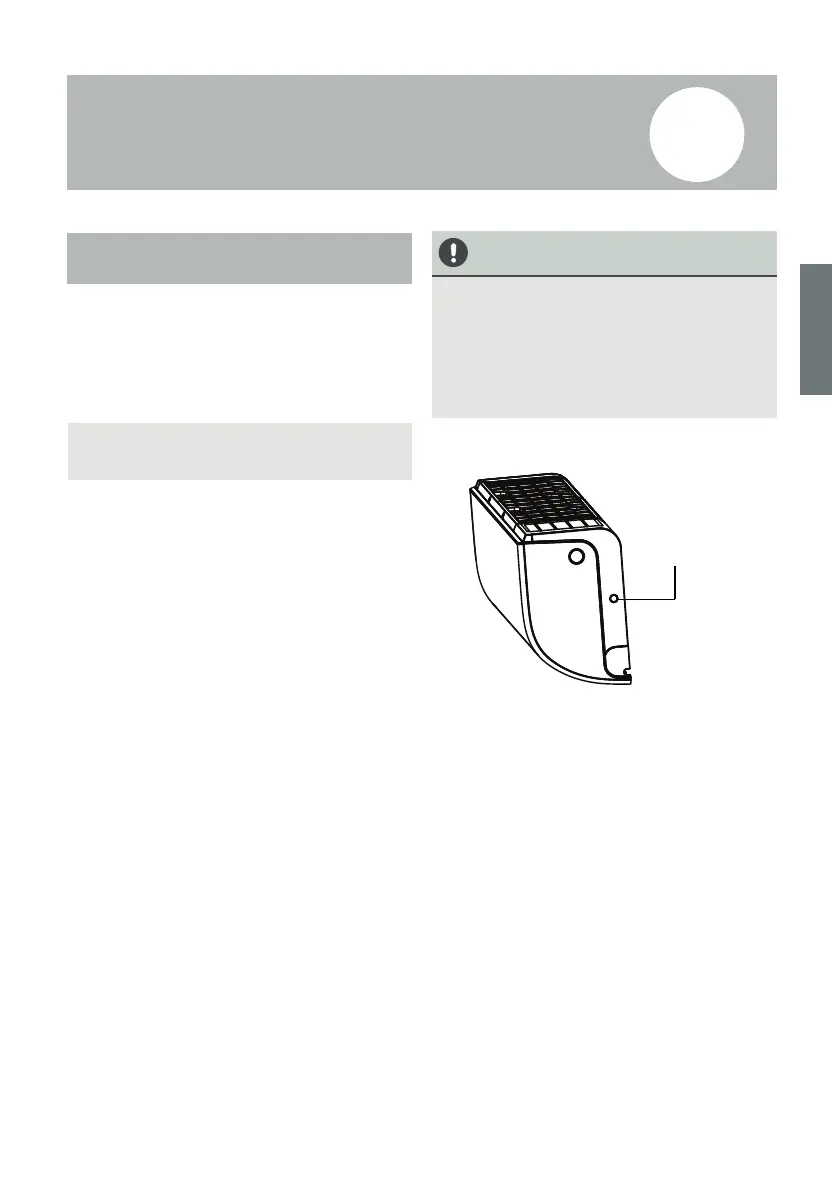
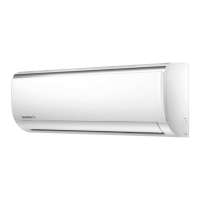
11. Locate the MANUAL CONTROL button on
the right-hand side panel of the unit.
2. Press the MANUAL CONTROL button one
time to activate FORCED AUTO mode.
3. Press the MANUAL CONTROL button again
to activate FORCED COOLING mode.
4. Press the MANUAL CONTROL button a third
time to turn the unit o.
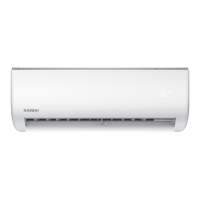
Manual control
button
The manual button is intended for testing
purposes and emergency operation only. Please
do not use this function unless the remote
control is lost and it is absolutely necessary. To
restore regular operation, use the remote control
to activate the unit. Unit must be turned o
before manual operation.
In the event that your remote control fails to
work, your unit can be operated manually
with the MANUAL CONTROL button located
on the indoor unit. Note that manual opera-
tion is not a long-term solution, and that
operating the unit with your remote control
is strongly recommended.
64 65


 To Next Page