EasyManua.ls Logo

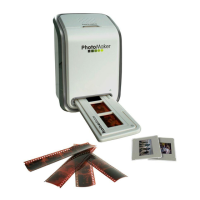
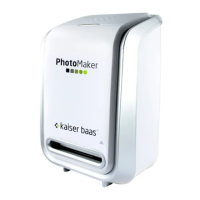
Kaiser Baas Photo Maker - User Manual

Kaiser Baas Photo Maker
34 pages
Print Icon
To Next Page IconTo Next Page
Loading...
Photo
Maker
User Manual
PhotoMaker Mac Manual.indd 1 12/01/2011 4:46:14 PM

Questions and Answers

Summary

Precautions

Standard Accessories

Part Names

Installing the software (PC)

Installing the software (MAC)

Placing film;slide into the holder

Connecting the PhotoMaker

Capturing photos (PC)

Capturing photos (MAC)

Editing pictures

1. Adjust

Covers Enhance, Colour, Red-Eye, Crop, Straighten, and Blur Background features.

2. Retouch

Includes Healing Brush, Lighten/Darken, Smudge, Clone, Sharpen, Blur, Paint Brush, Line, Eraser.

3. Clipboard

Clips pictures using various selection tools like Rectangular and Magic Wand.

Specifications

System Requirements

Trouble Shooting

Summary

Precautions

Standard Accessories

Part Names

Installing the software (PC)

Installing the software (MAC)

Placing film;slide into the holder

Connecting the PhotoMaker

Capturing photos (PC)

Capturing photos (MAC)

Editing pictures

1. Adjust

Covers Enhance, Colour, Red-Eye, Crop, Straighten, and Blur Background features.

2. Retouch

Includes Healing Brush, Lighten/Darken, Smudge, Clone, Sharpen, Blur, Paint Brush, Line, Eraser.

3. Clipboard

Clips pictures using various selection tools like Rectangular and Magic Wand.

Specifications

System Requirements

Trouble Shooting

Kaiser Baas Photo Maker Specifications

General IconGeneral
BrandKaiser Baas
ModelPhoto Maker
CategoryCamera Accessories
LanguageEnglish

Related product manuals