9
English
Side
Bottom
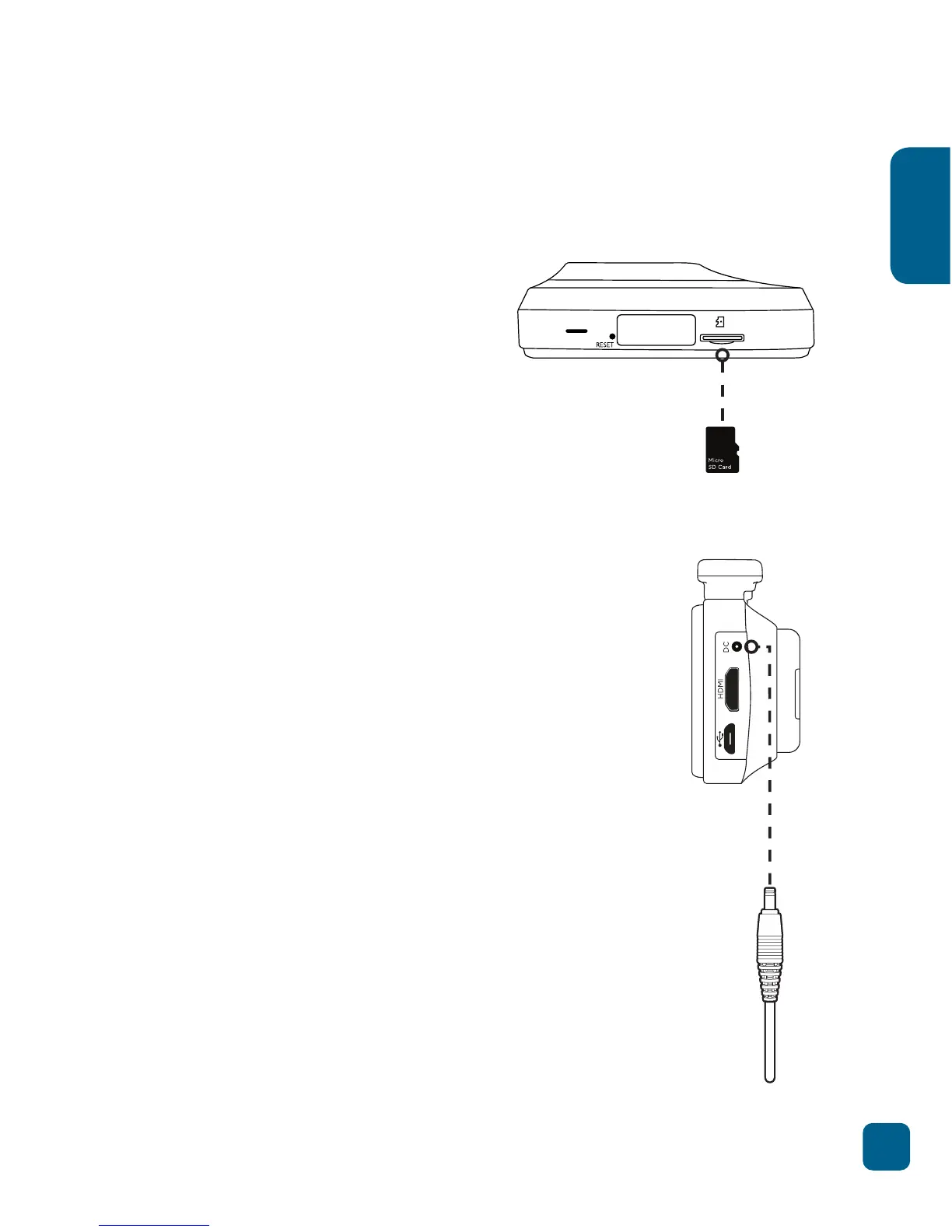
Setting up the R20 Car DVR
• Insert Micro SD card in
the Micro SD card slot on
the bottom of the camera.
• Camera will power up and
start recording as soon as
it receives power from the
DC power connection (eg.
when you start your car).
• Clean the area on your windscreen making
sure desired placement is not blocking the
drivers view.
• Attach the camera to the mount by sliding
the camera connection from right to left
along the mount connection until latched.
• Remove the protective skin from the 3M
adhesive on the mount.
• Stick the adhesive to the inside of the front
windscreen in the desired position, and
press for 30 seconds to ensure that the
camera is secure.
• Adjust the nut to ensure that the camera is
correctly angled.
• Finally connect the R20 to power using the
DC power cable and the USB car charge
adaptor.
General:
Car set up:



 To Next Page