11 12
Auto Stop
This allows you to stop the video
recording automatically after your desired
time of 1 Min/5 Min/10 Min/30 Min.
Time lapse
Time-lapse is a creative technique that
records footage at a very low frame
rate. Playing it back at a higher frame
rate shows a rapid change over time.
This technique is most eective when
recording scenes or objects which have
a slow state of change, e.g. a sunset or
a ower blossoming.
Interval-T-Lapse
Time lapse can be set to the following
intervals 1/3/5/10/30/60 seconds.
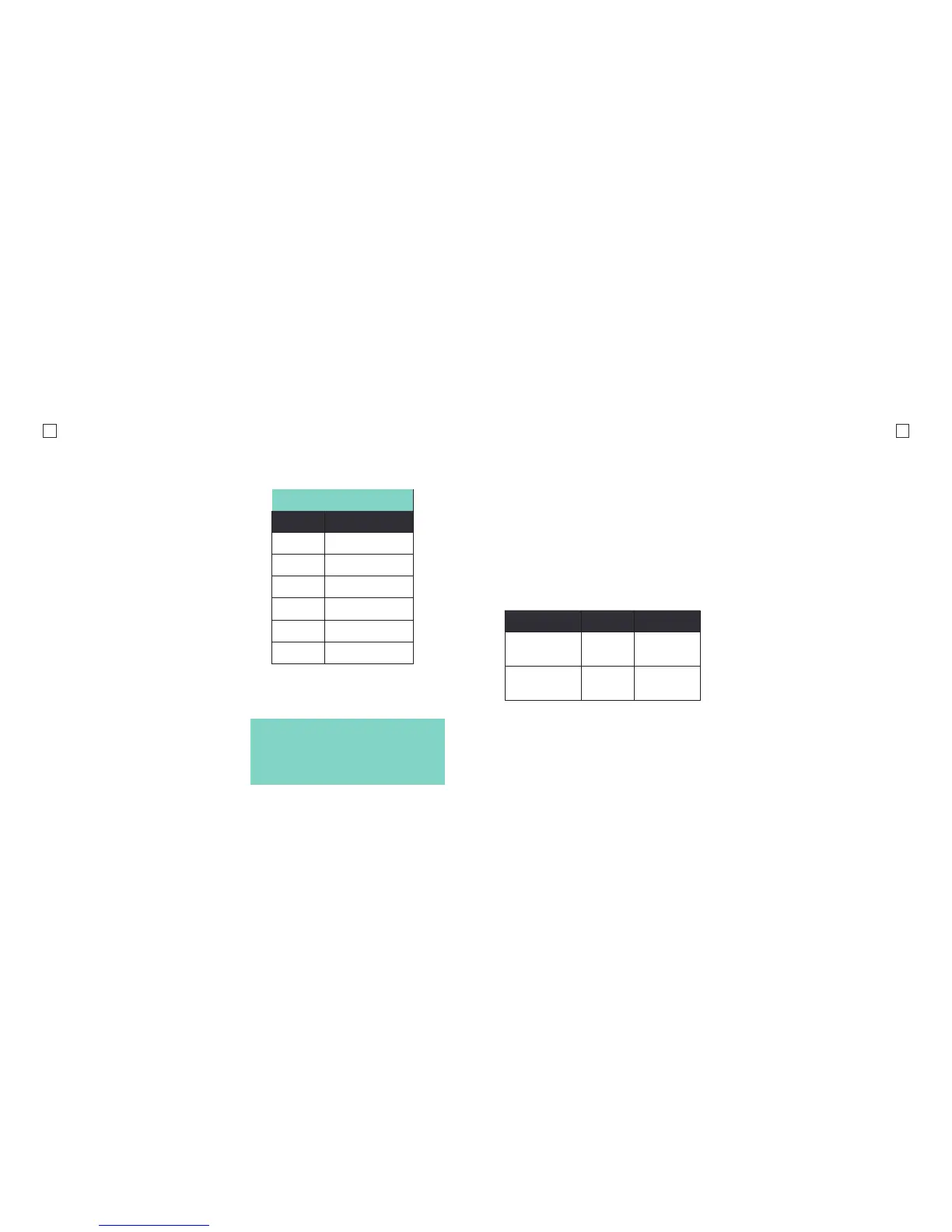
The following chart is useful for
determining the amount of time required
that results in 1minute of footage.
Resolution
Your action camera can be set to support
an array of resolutions and frame rates.
Normally, the higher the resolution, the
greater the detail and clarity of footage.
Higher frames-per-second (FPS) capture
more motion and appear smoother on
playback.
FOV
Field of view is how much of the
observable scene the camera can capture.
There are 3 dierent FOV settings.
Time Lapse Specications
Interval Recording Time
1 30 mins
3 1 hour
5 2.5 hours
10 5 hours
30 15 hours
60 30 hours
Tip: The camera may be plugged into a
power bank/power source to extend the
battery life and allow you to shoot for
extended periods of time. This is very
useful for recording long time lapses.
Super Wide
In this view, the image captures more
height and length. SuperView is best if
you need a very wide eld of view like if
you’re skydiving or gliding.
Wide
Wide FOV is great for getting smooth and
immersive shots. This mode is perfect for
getting those high intensity, adrenaline
pumping, action shots and the sheye
eect enhances the overall image. With
this view, there is a lot more distortion
around the edges. This FOV isn’t best
for everyday use.
Medium
In medium mode, the camera will only
capture what is in the very middle of
the sensor.
Resolution FPS Aspect Ratio
1080P
(1920x1080)
60/30 16:9
720P
(1280x720)
120/60/30 16:9



 To Next Page