CAMERA SETTINGS
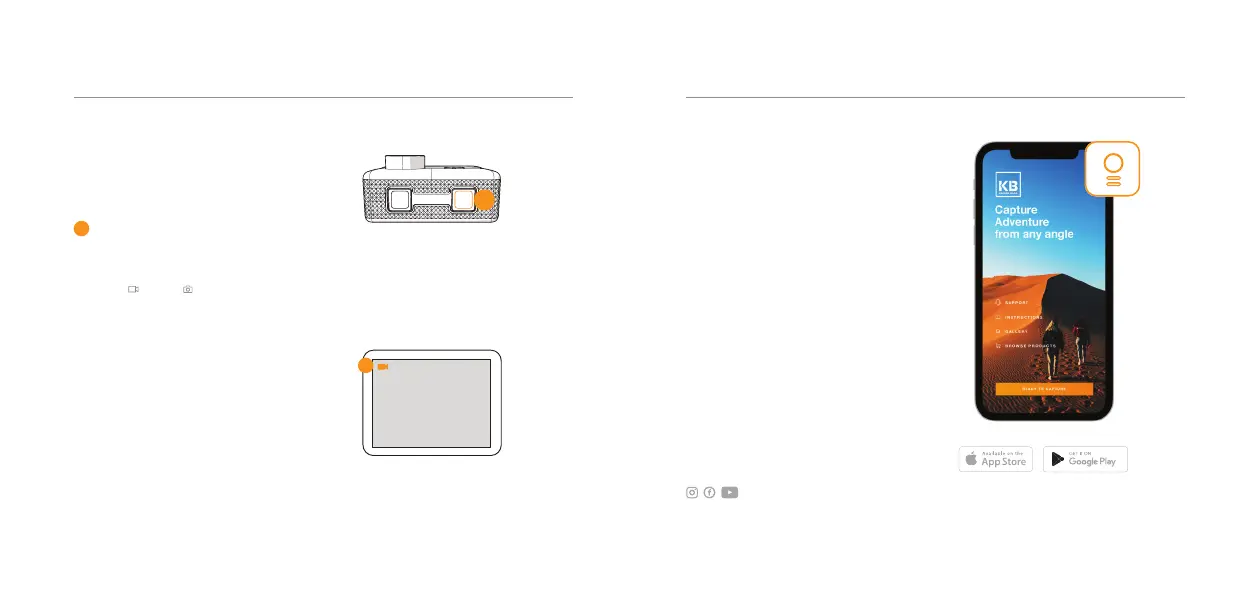
To turn the camera
ON/OFF, hold the power
button for 2 seconds
Press the record button to start
and stop recording. To toggle
between Video, Photo,
Playback and Settings Mode,
click the power button consecutively
until your desired mode appears.
When you are in the Settings Mode,
hold the record button to switch
between each Setting category.
1
POWER /
MODE
RECORD /
OK
1
1080P 60FPS
1
WiFi & KB APP
Connect to the Kaiser
Baas X300 App to get
started and access the
full user guide
To turn on the WiFi, click the button
located on the top of the camera.
Go to your smartphone’s network
settings and select KB-X300 network.
The default password is 1234567890.
To turn o, click the WiFi button.
Join the Social Media Movement
03 - ENG02 - ENG



 To Next Page