GETTING STARTED
02 - ENG
Format your SD Card before
using the camera for the rst
time
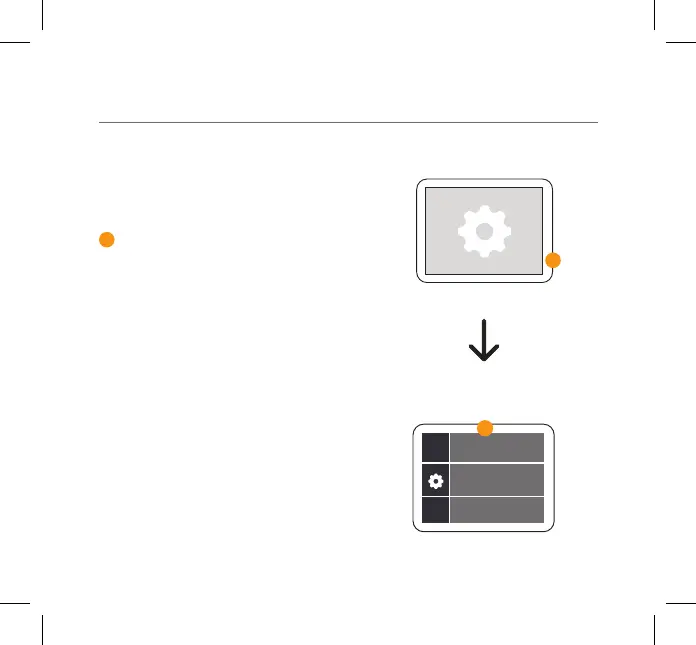
When the camera is turned on, press
and hold the Record/OK button until
the menu appears. Select the Settings
mode using the Up/Down Arrow
Buttons on the side of your camera and
press the Record/OK button to conrm.
Press the Mode button and select the
General Settings.
Scroll down the menu using the arrow
keys on the side until you get to Format
SD Card. Select Format SD Card and
press the Record/OK button. Select
Conrm to format your SD Card.
3
3
3
Format SD Card



 To Next Page