CAMERA SETTINGS
Using your Camera
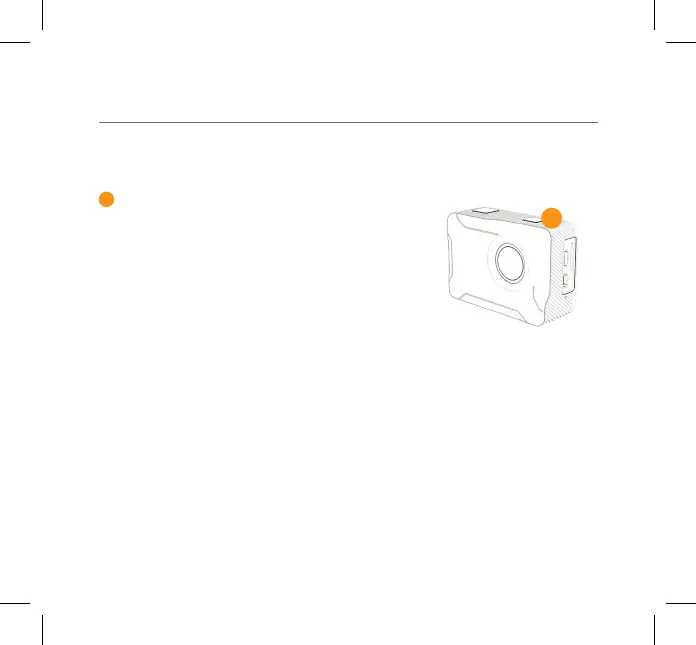
To turn your camera on/o - hold the Power/Mode
button on the top of your X350 for few seconds.
1
1
03 - ENG
Video
Mode options include:
Slow Motion
Loop Recording
Photo
Self Timer
Burst Mode
Time Lapse
Press the Mode button to toggle between Video and
Photo. To choose and access dierent modes - press
and hold the Record/OK button, scroll down using
the Up/Down Buttons to select the required Mode
icon and press the Record/OK button to conrm.



 To Next Page