CAMERA SETTINGS
Using your Camera
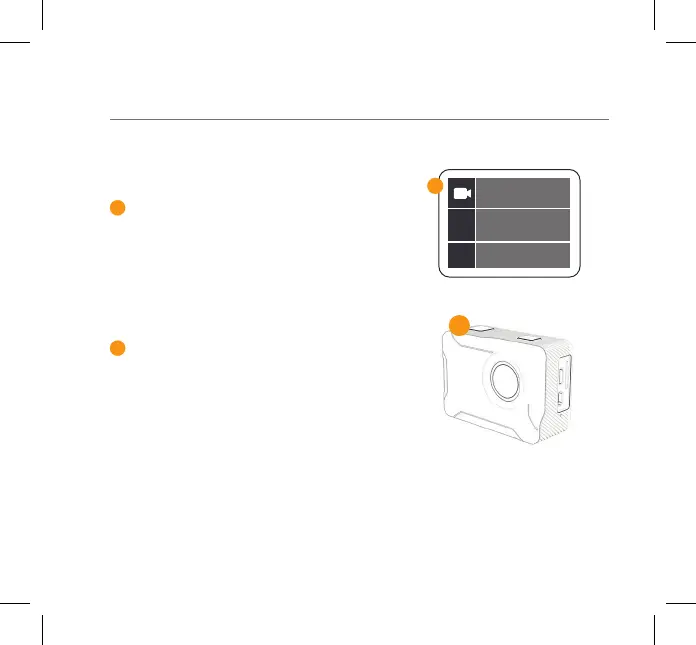
To change the Video/Image resolution -
press and hold the Record/OK button until
the menu appears. Select the Settings
mode using the Up/Down Buttons on the
side. Once selected press the Record/OK
button to conrm.
To start recording video, press the Record
button on the top of your camera.
3
4
4
04- ENG
Resolution
3



 To Next Page