REVIEWING YOUR FOOTAGE
Reviewing your footage
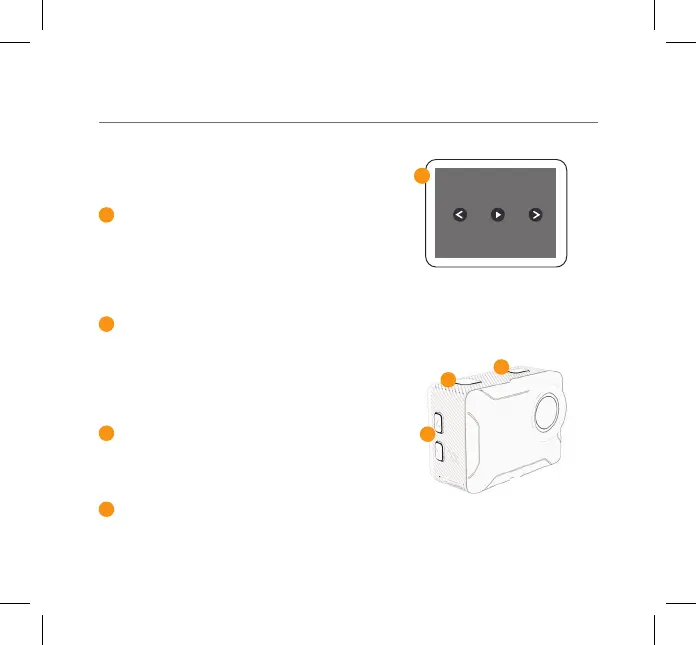
To review footage, press and hold
the Record/OK button, select the
Playback Mode and press press the
Record/OK to conrm.
Scroll through the les using the Up/
Down buttons on the side and press
the Record/OK button to review
footage.
Press and hold the Record/OK
button to delete the selected le.
Press Mode button to exit the
Playback mode.
5
6
7
8
Playback Screen
05 - ENG
6
7
8
5



 To Next Page