EasyManua.ls Logo

Kaiweets KM201 - Page 12

Kaiweets KM201
13 pages
Print Icon
To Next Page IconTo Next Page
To Previous Page IconTo Previous Page
Loading...
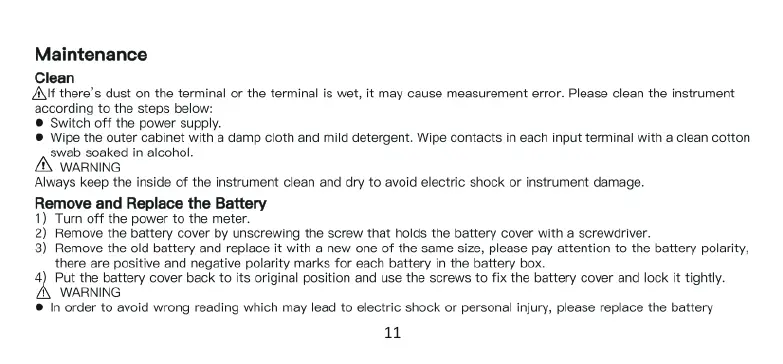
Maintenance
Clean
AIf
there's
dust
on
the
terminal
or
the
terminal
is
wet,
it
may
cause
measurement
error.
Please
clean
the
instrument
‘according
to
the
steps
below:
®
Switch
off
the
power
supply.
®
Wipe
the
outer
cabinet
with
a
dam
cloth
and
mild
detergent.
Wipe
contacts
in
each
input
terminal
with
a
clean
cotton
swab
soaked
in
aicohol.
AN
WARNING
Always
keep
the
inside
of
the
instrument
clean
and
dry
to
avoid
electric
shock
or
instrument
damage.
Remove
and
Replace
the
Battery
1)
Tum
off
the
power
to
the
meter.
2)
Remove
the
battery
cover
by
unscrewing
the
screw
that
holds
the
battery
cover
with
a
screwdriver.
3)
Remove
the
old
battery
and
replace
it
with
a
new
one
of
the
same
size,
please
pay
attention
to
the
battery
polarity,
there
are
positive
and
negative
polarity
marks
for
each
battery
in
the
battery
box.
4)
Put
the
battery
cover
back
to
its
original
position
and
use
the
screws
to
fix
the
battery
cover
and
lock
it
tightly.
WARNING
@
In
order
to
avoid
wrong
reading
which
may
lead
to
electric
shock
or
personal
injury,
please
replace
the
battery
1

Related product manuals