EasyManua.ls Logo

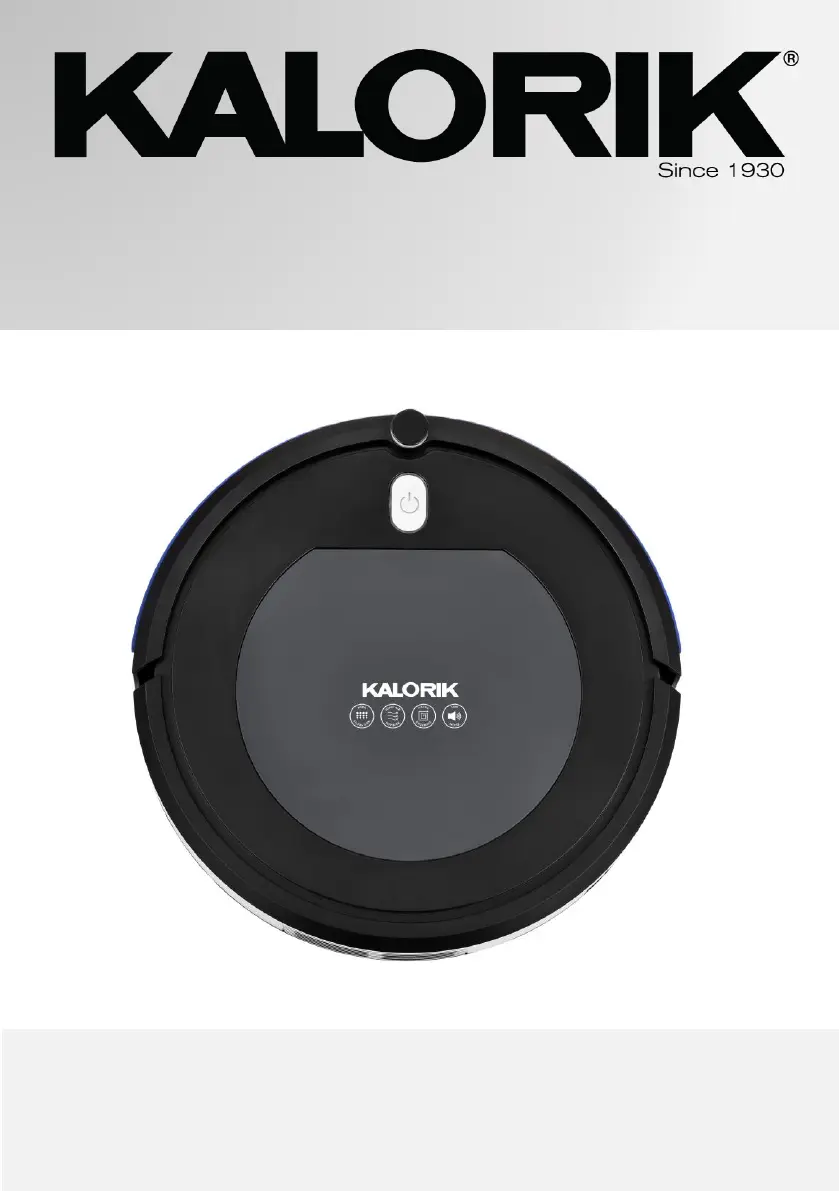
Kalorik RVC 46588 - User Manual

Kalorik RVC 46588
32 pages
Print Icon
To Next Page IconTo Next Page
Loading...
1
www.KALORIK.com
RVC 46588 - 200501
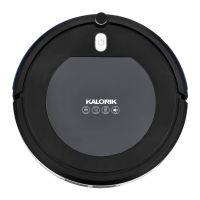
ROBOT VACUUM WITH IONIC AIR PURIFIER
ASPIRATEUR ROBOT AVEC PURIFICATEUR IONIQUE
RVC 46588
EN……....3
FR….......17
14.4V DC

Questions and Answers

  • T
    Timothy WrightJul 28, 2025
    Why does the power button flash orange and beep on my Kalorik RVC 46588?
    • E
      Ernest HerreraJul 28, 2025
      If the power button on your Kalorik Vacuum Cleaner flashes orange for 60 seconds and beeps for 10 seconds, it indicates a charging failure. Try replacing the adapter or batteries to resolve this issue.
  • J
    james01Aug 2, 2025
    What to do if the power button flashes red and the Kalorik RVC 46588 is beeping?
    • J
      Janet AndradeAug 3, 2025
      If the power button on your Kalorik Vacuum Cleaner flashes red and the robot vacuum is beeping, it means the surface is unstable. To fix this, place the unit back on the floor, ensuring it's on a stable, flat, hard surface.
  • K
    Kevin ChaneyAug 8, 2025
    Why is the power button flashing green and beeping on my Kalorik RVC 46588 Vacuum Cleaner?
    • S
      Sandra SantiagoAug 9, 2025
      If the power button on your Kalorik Vacuum Cleaner flashes green and the robot vacuum is beeping, the side brush is likely blocked. Check the side brush and remove any obstructions that prevent it from operating normally.
  • J
    joseph57Aug 15, 2025
    What to do if the power button flashes red and orange and the Kalorik Vacuum Cleaner is beeping?
    • A
      amandamccartyAug 15, 2025
      If the power button on your Kalorik Vacuum Cleaner flashes red and orange and beeps, it indicates that the wheels are blocked. Inspect both the left and right wheels, and clear away anything that might be preventing them from moving freely.
  • D
    Darrell SimmonsAug 21, 2025
    How to fix a Kalorik Vacuum Cleaner when the power button flashes green and orange?
    • S
      Shirley MorganAug 21, 2025
      If the power button on your Kalorik Vacuum Cleaner flashes green and orange, it indicates a front bumper error. Ensure that the path is clear and that nothing is obstructing the front bumper.

Summary

IMPORTANT SAFEGUARDS

BEFORE THE FIRST USE

CHARGING

USING THE APPLIANCE

Ionic Air Purifier Function

Explanation of the integrated Ionic Air Purifier function activated during sweeping.

REMOTE CONTROL

Details on operating the robot vacuum using the provided remote control and its modes.

Start;Pause Button Operation

How to start, pause, and resume the robot vacuum's operation using the Start/Pause button.

Directional Control Buttons

Using the remote's directional buttons to manually guide the robot vacuum's movement.

Focus and Random Sweeping Modes

Explanation of the Focus and Random modes for specialized or random cleaning patterns.

Auto and Respond Functions

Using the Auto mode for automatic cleaning patterns and Respond to locate the vacuum.

CLEANING AND MAINTENANCE

Dust Container and Filter Cleaning

Instructions for emptying and cleaning the dust container and its filters.

Cleaning the Sensor Lenses

Guidance on gently cleaning the robot vacuum's sensor lenses for accurate navigation.

TROUBLESHOOTING

WARRANTY INFORMATION

USER NOTES

Kalorik RVC 46588 Specifications

General IconGeneral
ModelRVC 46588
CategoryVacuum Cleaner
Charging Time4-5 hours
Cord LengthCordless
Filter TypeHEPA
ColorBlack
TypeRobot Vacuum
Dustbin Capacity0.6 liters
Battery Life90 minutes
Voltage14.4 V
Dust Capacity0.5 liters

Related product manuals