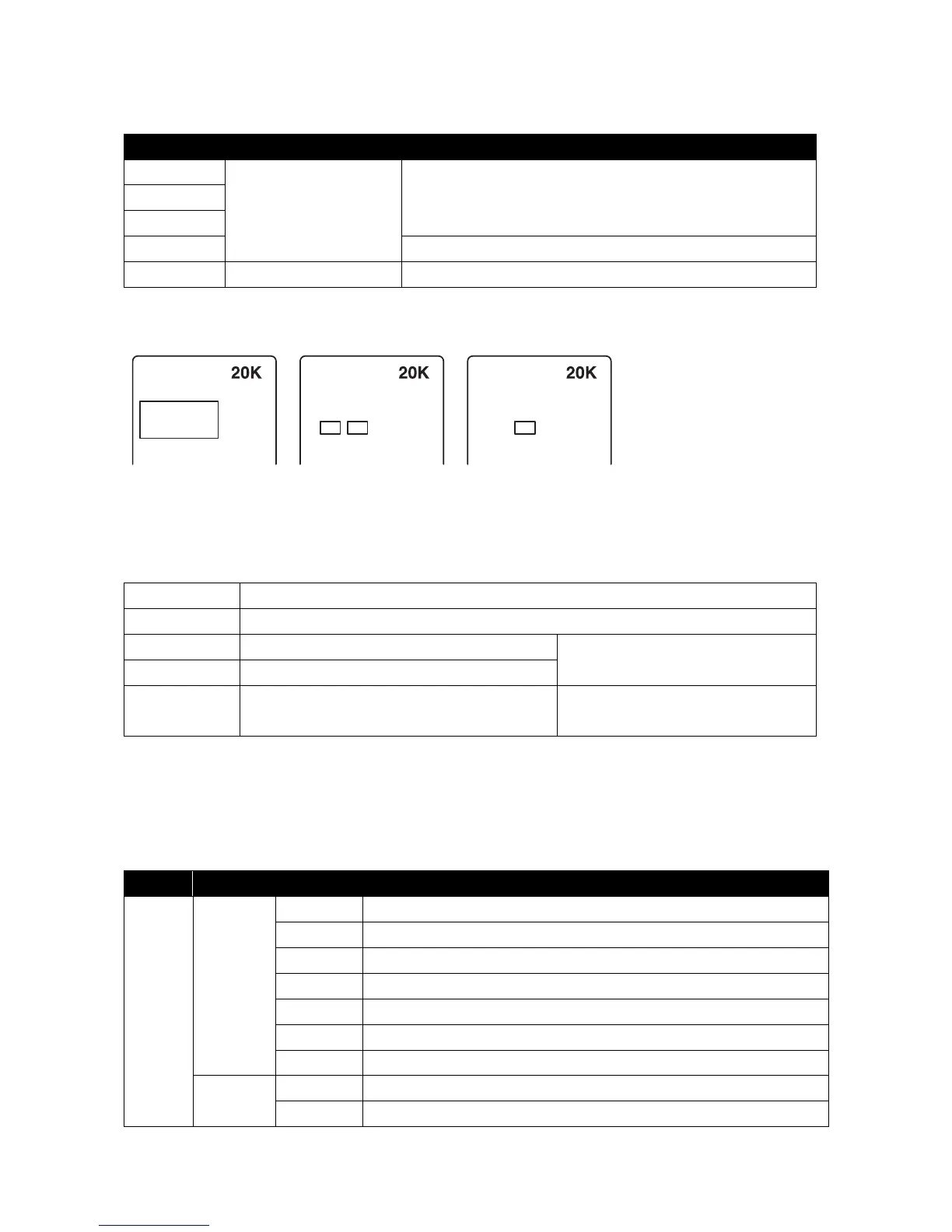
Rotate knob to select
Press to confirm selection
After you have made a selection, there is a delay before the Information
Display will reflect the change (this can take a few seconds)
Sound-to-Light pattern change
Press and hold for 2 seconds
Returns to main menu / returns to the previous level in the menu
Edit SD play list
In ILD mode, select the ILD document you want to edit using the Menu Control knob, press to confirm then follow the order below:
MODE:ILD
Repetition
2
MODE:ILD
Add To List?
Yes
No
MODE:ILD
Remove List?
Yes
No
ILD file playback times SD default list Select ‘No’, previously compiled
list will be added to the back,
empty on the new list, restart
editing a new list
Pattern setting
Horizontal direction of the pattern flip
Vertical direction of the pattern flip
Single red green yellow RGB
Compatible with the initial setting
Set your scanning speed: 0-20K
The rate change of the pattern speed. The larger the
numerical value, the slower the playback speed
Effective only in the ILD play mode
DMX instructions
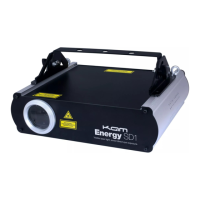
Several operating modes were pre-programmed into the unit on DMX channel 1. Before controlling other DMX channels, please
ensure that DMX channel 1 is set in it’s proper value. The Energy SD1 is configured in such a way that this unit can operate in 24
channels. Channel 1 operates laser black out, ILDA show directory, AUTO, Sound-to-light and DMX modes. If channel 1 is set
below DMX value 200, the laser defaults to 5-channel operation and channel protocol is as follows.
ILD show in SD card using Sound-to-Light control
LIST show in SD card using Sound-to-Light control
DMX mode using Sound-to-Light control


 To Next Page