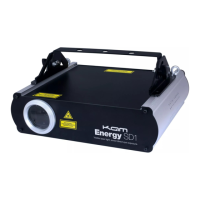
Built-in show mode - This mode plays the animations that are built into the hardware of the laser. To operate in this mode, select
Built-in show from the Mode menu, then scroll down and select Exit. Rotate the Menu Control knob to view the available shows 1-
3. To select and play a show, simply press the Menu Control knob when the chosen show name is visible. All files from within the
selected show will automatically begin to play. If you wish to stop playing a show, simply rotate the Menu Control knob. To begin
playing the show again, rotate the Menu Control knob until the name of the show appears again, the show will now begin to play
again.
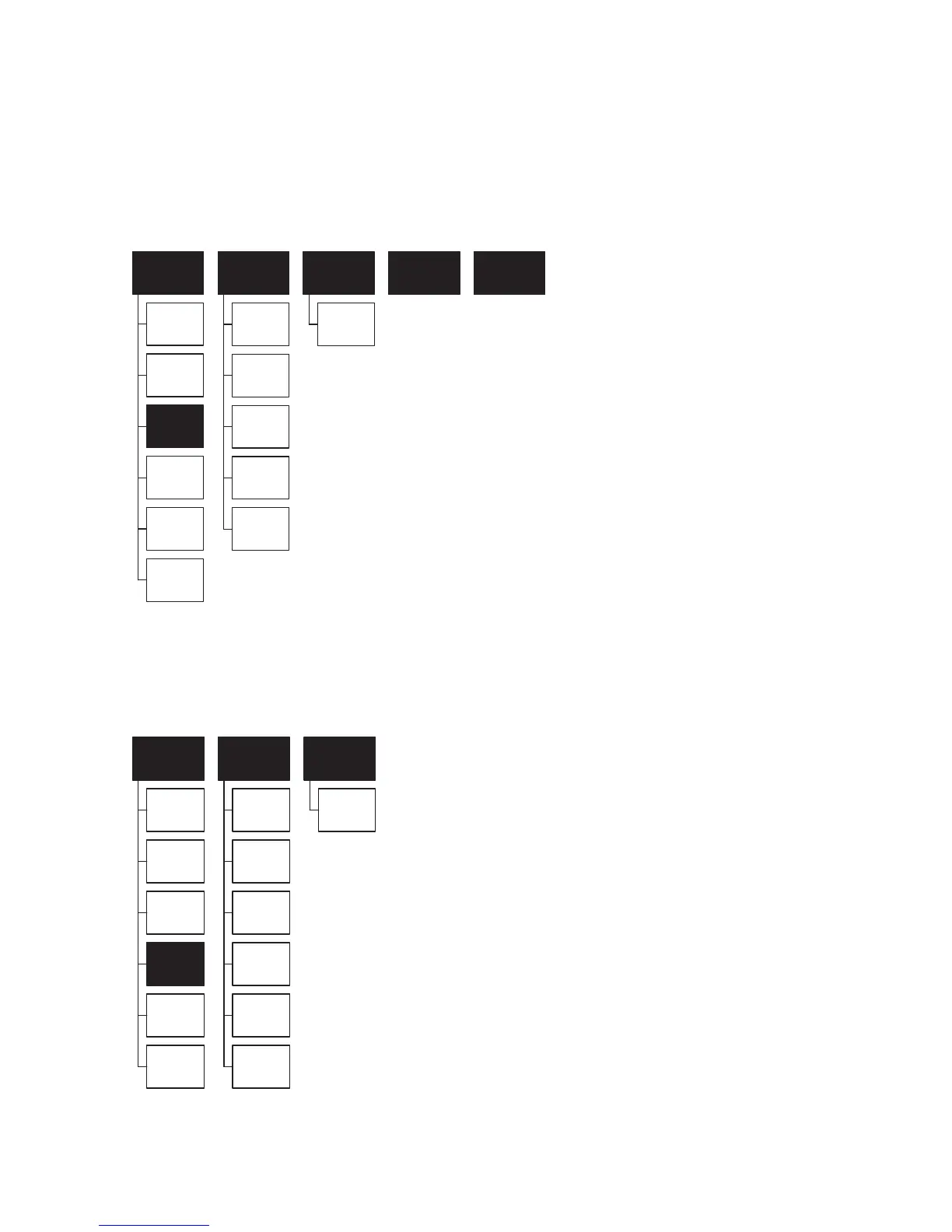
The layout for the Built-in show mode menu is illustrated below:
DMX mode - This mode allows you to operate the laser using DMX. To operate in this mode, select DMX from the Mode menu, then
scroll down and select Exit. Rotate the Menu Control knob to select your chosen DMX address. The DMX programming guide can
be found later in this manual.
The layout for the DMX mode menu is illustrated below:


 To Next Page