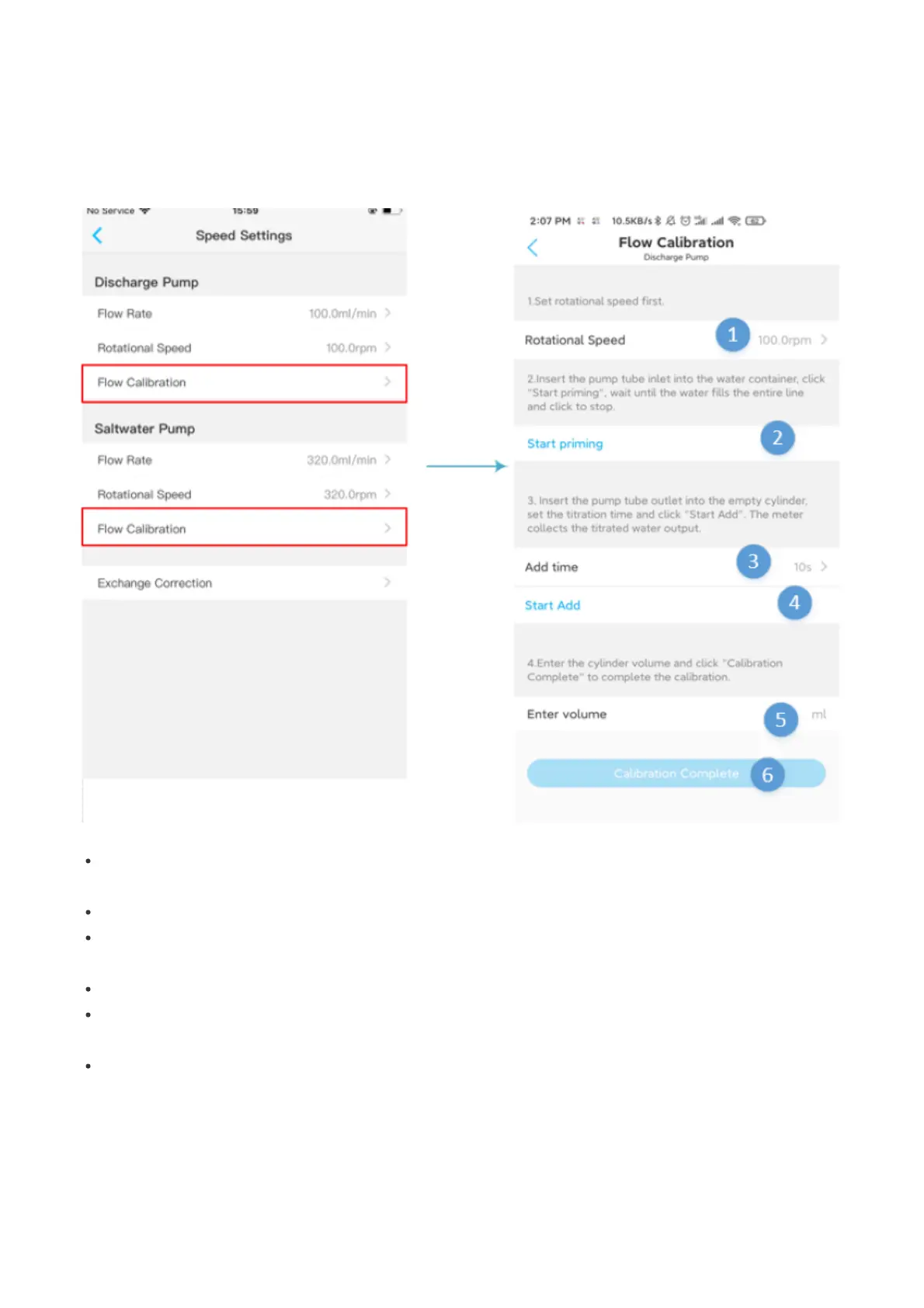
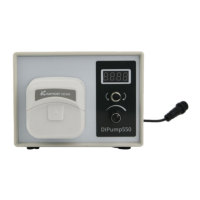
Rate Setting -> Flow Calibration. Calibration requires a measuring cylinder to be used to weigh the calibration
results.
Note: During calibration, do not use the water in the tank for calibration. Using the water in the tank
for calibration may cause the water level in the tank to drop. X2S R will automatically add fresh water
to the tank.
1.Rotation speed:The rotation speed setting of the water change pump is calibrated according to the
actual rotation speed in use.
2.Start emptying:Click to start emptying to empty the air in the pump tube
3.Calibration duration:Set the calibration duration. In theory, the longer the time, the better the
calibration effect, but the size of the graduated cylinder must be considered
4.Start calibration:Click to start calibration
5.Enter the volume:When the calibrated pump runs, enter the volume obtained from the run into the
App
6.Calibration completed:Click to complete calibration
Change water correction After the calibration of the water replacement pump head is completed, it is
necessary to correct the deviation of the lower drainage pump and the makeup pump to ensure that the
outlet and inlet water are the same when changing the water. The principle of correcting the drainage and
makeup is to change the water once. How much is the difference between the amount of water
replenishment, this difference is the amount that needs to be corrected for drainage and water replenishment,
enter this amount into the App to complete the correction


 To Next Page