EasyManua.ls Logo

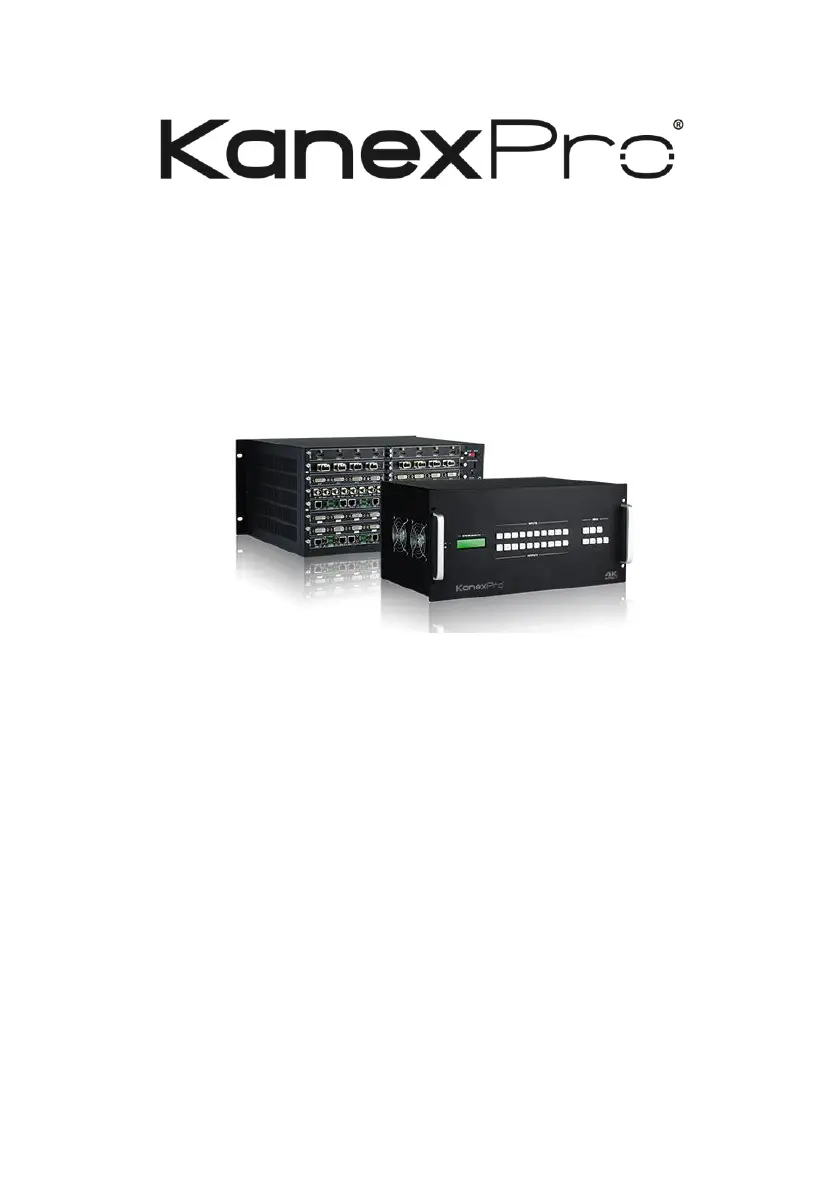
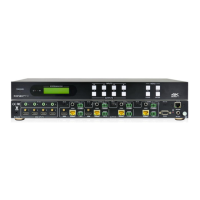
KanexPro HDMMX1616-4K - User Manual

KanexPro HDMMX1616-4K
43 pages
Print Icon
To Next Page IconTo Next Page
Loading...
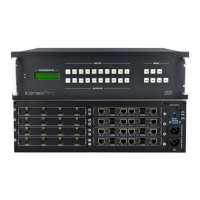
HDMMX1616-4K Modular Matrix
Switcher
User Manual
All Rights Reserved
Version: HDMMX88-4K_2015V2.5

Questions and Answers

  • B
    Brendan HughesAug 16, 2025
    What to do if the KanexPro Matrix Switcher POWER indicator doesn’t work?
    • J
      Jason LeeAug 17, 2025
      If the POWER indicator isn't working or the device isn't responding, the power cord connection might be faulty. Ensure the power cord is securely connected.
  • B
    brittanyrayAug 19, 2025
    Why does my KanexPro Matrix Switcher have no output image when switching?
    • R
      robert02Aug 19, 2025
      If there's no output image when switching, it could be due to several reasons. First, there might be no signal at the input or output end; in this case, check with an oscilloscope or multimeter to see if there is any signal at the input/output end. Second, the connection might be loose or faulty; make sure the connection is good. Third, the switcher itself might be broken; in this case, send it to an authorized dealer for repairing.
  • C
    Christopher LoweAug 22, 2025
    What to do if the KanexPro Matrix Switcher IR remote does not work?
    • L
      Louis HicksAug 22, 2025
      If the IR remote isn't working, the battery may be dead. Try changing it for a new one. If that doesn't work, the IR remote itself may be broken, and you should send it to an authorized dealer for repair.
  • R
    ryan61Aug 25, 2025
    How to fix a ghost image on my KanexPro Matrix Switcher output?
    • T
      Tommy VillarrealAug 25, 2025
      If you're seeing a ghost image on the output, it could be due to a bad quality connecting cable. Try using another high-quality cable. Alternatively, the display's image settings may be inappropriate; adjust the corresponding image settings.
  • A
    Amanda Ortiz MDAug 27, 2025
    What to do if the KanexPro Matrix Switcher output image has color losing or no video signal?
    • N
      Nicole JohnsonAug 27, 2025
      If the output image is losing color or there's no video signal, there might be a connection problem. Reconnect the display and the matrix.
  • C
    Craig MillerAug 30, 2025
    What to do if KanexPro Matrix Switcher EDID management does not work normally?
    • Y
      ygonzalezAug 30, 2025
      If EDID management isn't working correctly, the HDMI cable at the output end might be damaged. Try replacing it with a new HDMI cable that is in good working condition.
  • M
    mendezraymondSep 2, 2025
    Why is there static when connecting video connectors on my KanexPro Matrix Switcher?
    • P
      patrickdownsSep 2, 2025
      If static becomes stronger when connecting the video connectors, it may be due to bad grounding. Check the grounding and ensure it is well connected.
  • S
    Samuel MatthewsSep 4, 2025
    What to do if there is a blank screen on the display when switching KanexPro Matrix Switcher?
    • J
      John RobinsonSep 5, 2025
      If there is a blank screen on the display when switching, it could be that the display does not support the resolution of the video source. Try switching again. You can also manually manage the EDID data to make the resolution of the video source automatically compliant with the output resolution.
  • D
    Dwayne HernandezSep 7, 2025
    How to unlock front panel buttons on KanexPro Matrix Switcher?
    • E
      emartinSep 8, 2025
      If you can't control the device using the front panel buttons but can through the RS232 port, the front panel buttons may be locked. Send command 50605% to unlock them.
  • M
    michaeldavisSep 10, 2025
    What to do if I cannot control KanexPro Matrix Switcher through RS232 port?
    • B
      Brian WilsonSep 12, 2025
      If you cannot control the device through the RS232 port, the RS232 communication parameters may be incorrect. Ensure you are using the correct RS232 communication parameters. Also, the RS232 port may be broken, send it to an authorized dealer for checking.

KanexPro HDMMX1616-4K Specifications

General IconGeneral
Input Ports16
Output Ports16
Supported ResolutionsUp to 4K@60Hz (4:4:4)
HDMI Version2.0
Power Supply100-240V AC, 50/60Hz
Video Bandwidth18 Gbps
HDCP ComplianceHDCP 2.2
Audio SupportDolby Digital, Dolby TrueHD, DTS-HD
ControlRS-232, IR, Web GUI
Operating Temperature0°C to +40°C (32°F to +104°F)
Storage Temperature-20°C to 60°C (-4°F to 140°F)

Related product manuals