EasyManua.ls Logo

KanexPro MX-HDBASE4x4-4k - User Manual

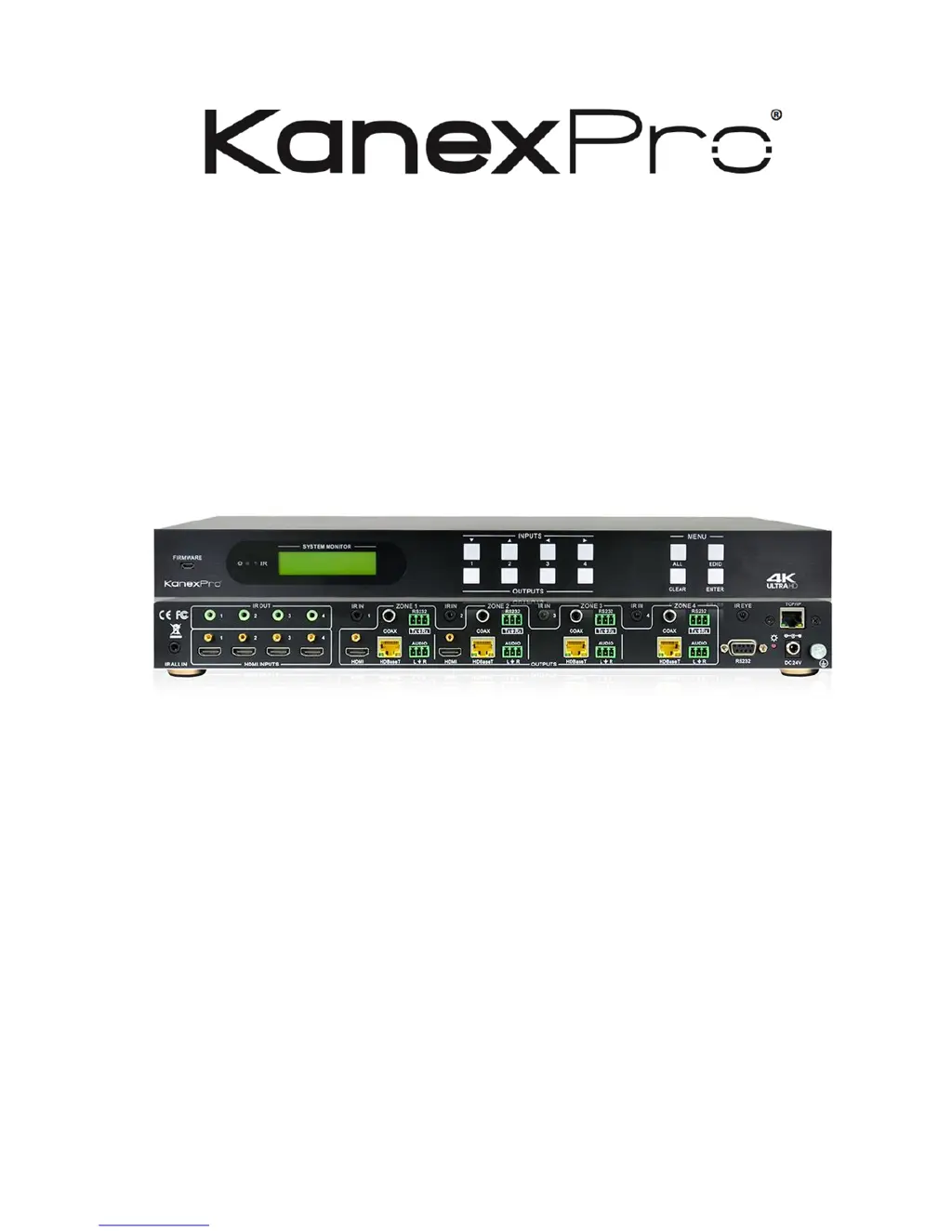
KanexPro MX-HDBASE4x4-4k
43 pages
Print Icon
To Next Page IconTo Next Page
Loading...
MX-HDBASE4x4-4k
4K HDBaseT 4x4 Matrix Switcher
Drive the Distance with 4K Ultra HD to 4 outputs, De-embed audio, IR &
RS-232
All Rights Reserved
Version: MX-HDBASE4X4-4K_2016V1.1

Questions and Answers

  • O
    olawsonAug 9, 2025
    What to do if there is no output image when switching KanexPro Matrix Switcher?
    • Y
      ycarterAug 9, 2025
      If you're experiencing a blank screen after switching inputs on your KanexPro Matrix Switcher, here are a few things to check: * Verify that there is a signal at the input and output ends using an oscilloscope or multimeter. * Ensure all connections are secure and not loose. * If your input source uses HDCP, make sure HDCP compliance is enabled. You can enable it by sending the command `/%[Y]/[X]:1` or by changing the HDCP compliance status in the GUI. * Confirm that your display supports the input resolution. If not, try switching to another input source or enable the display to learn the EDID data of the input.
  • C
    Curtis ChambersAug 14, 2025
    Why my KanexPro MX-HDBASE4x4-4k Matrix Switcher cannot be controlled via IR remote?
    • D
      Dawn WeaverAug 14, 2025
      If you're unable to control your KanexPro Matrix Switcher with the IR remote, consider these potential causes: 1. The remote's battery may be dead. Try replacing it with a new one. 2. The IR remote itself might be broken. If so, send it to an authorized dealer for repair. 3. You might be beyond the effective range of the IR signal, or not pointing directly at the IR receiver. Adjust your distance and angle to ensure you're pointing at the IR receiver. 4. The IR receiver connected to the IR IN/IR ALL IN port might not have a carrier. Try using an IR receiver that does have a carrier.
  • E
    Emily HarveyAug 25, 2025
    Why is there a blank screen on the display when switching KanexPro Matrix Switcher?
    • Y
      youngdavidAug 25, 2025
      If you encounter a blank screen on the display when switching with your KanexPro Matrix Switcher: * It could be that the display does not support the resolution of the video source. In this case, try switching again. * Alternatively, manually manage the EDID data to ensure the resolution of the video source is automatically compliant with the output resolution.
  • H
    Hunter JacksonAug 29, 2025
    What to do if the power indicator remains off when KanexPro Matrix Switcher is powered on?
    • S
      Stephanie JonesAug 29, 2025
      If the power indicator on your KanexPro Matrix Switcher remains off when you power it on, check whether the power cables are connected correctly. A fail or lose power connection could be the cause.
  • H
    Holly JamesSep 2, 2025
    Why static becomes stronger when connecting the video connectors on KanexPro MX-HDBASE4x4-4k?
    • A
      Adam SimpsonSep 2, 2025
      If you notice increased static when connecting the video connectors on your KanexPro Matrix Switcher, this could be due to bad grounding. Check the grounding connection to ensure it is well connected.
  • J
    Jennifer RichardsonSep 10, 2025
    What to do if I cannot control KanexPro MX-HDBASE4x4-4k Matrix Switcher via front panel buttons?
    • A
      Anne RivasSep 12, 2025
      If you cannot control your KanexPro Matrix Switcher using the front panel buttons, it is possible that the front panel buttons are locked. To unlock them, send the command `/%Unlock;` or select 'unlock' in the GUI interface.

KanexPro MX-HDBASE4x4-4k Specifications

General IconGeneral
CategoryMatrix Switcher
ModelMX-HDBASE4x4-4k
HDMI Inputs4
HDMI Outputs4
HDBaseT Outputs4
HDMI Version2.0
Video Bandwidth18 Gbps
Color DepthUp to 12-bit
EDID ManagementYes
HDCP Compliance2.2
Audio FormatsDolby TrueHD, DTS-HD Master Audio
Control InterfaceRS-232, IR
Operating Temperature0°C to 40°C (32°F to 104°F)
Storage Temperature-20°C to +60°C (-4°F to +140°F)
Dimensions440mm x 220mm x 44mm
HDBaseT Output Distance70m (230ft) @ 1080p, 40m (130ft) @ 4K
Weight3.6kg (8lbs)

Related product manuals