KANEXPRO MX-HDBASE4x4-4k
9 | P a g e
4. System Operations
4.1 Front Panel Button Control
MX-HDBASE4X4-4K provides with convenient front panel button control. Here we
make a brief introduction to the system operations.
4.1.1 Switching I/O connection
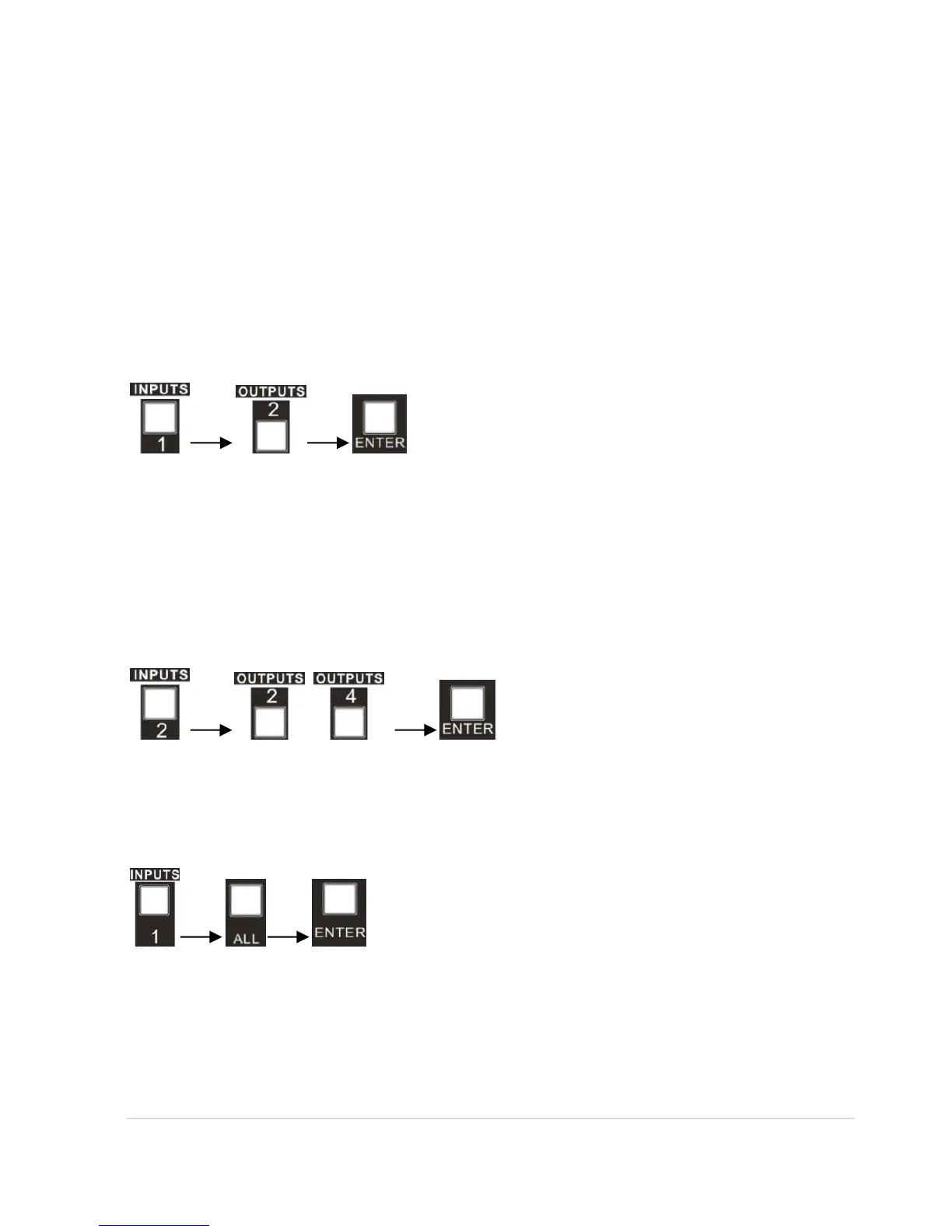
1) To convert one input to an output:
Operation: “input”+“output”+“ENTER”
Example: input 1 to output 2
Note: In default status, 4 IR OUT sockets correspond with 4 HDMI INPUTS. When you
convert an HDMI input to an output, the corresponding IR OUT will be switched
synchronously.
2) To convert an input to several outputs:
Operation: “input” + “output” + “output” +… + “ENTER”
Example: Switch input 2 to output 2, 4
3) To convert an input to all outputs:
Operation: “input” + “ALL” + “ENTER”
Example: Convert input 1 to all outputs
Note: Indicators of the pressed buttons will blink green for three times if the conversion
is done, then it will be off. If the conversion failed, they will be off immediately.



 To Next Page