KANEXPRO MX-HDBASE4x4-4k
11 | P a g e
Operations:
Invoke embedded EDID data for one input
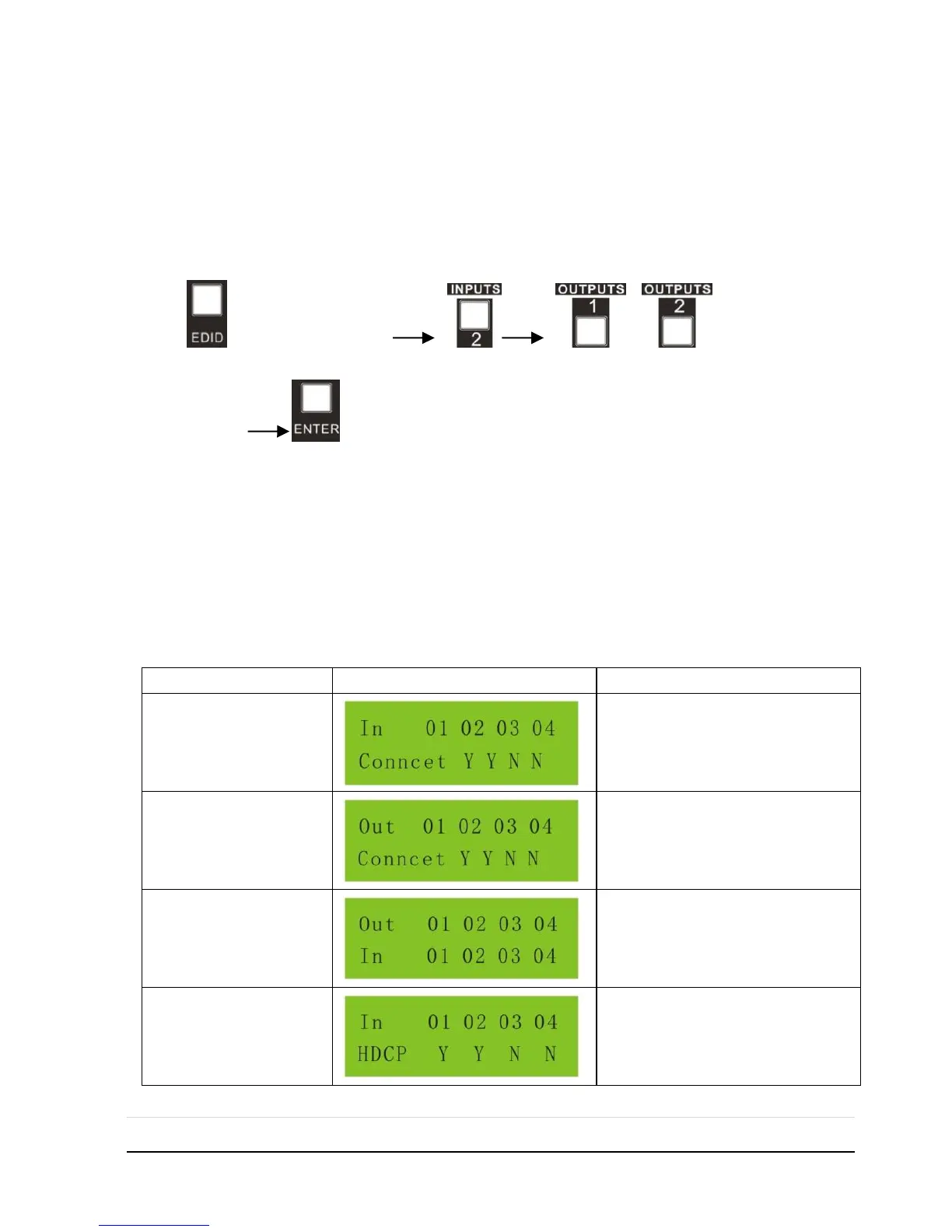
Operation: Press “EDID” (hold for 3 seconds to enter in EDID setting status),
“INPUTS”+“OUTPUTS”+“ENTER”.
Example: Set the EDID data of INPUT 2 to the forth type of embedded EDID data:
Press (hold for 3 seconds) or to switch to the
4th EDID data .
Note: If the conversion is successful, indicators of the pressed buttons will blink green
for three times at normal speed; if the conversion failed, they will blink for three times
quickly.
4.1.3 Inquiry
Check status
Press and hold the button “ENTER” for 3 seconds, it will enter into system inquiry
menu. Use Left and Right direction button to navigate checking the previous/next items.



 To Next Page