KANEXPRO MX-HDBASE4x4-4k
18 | P a g e
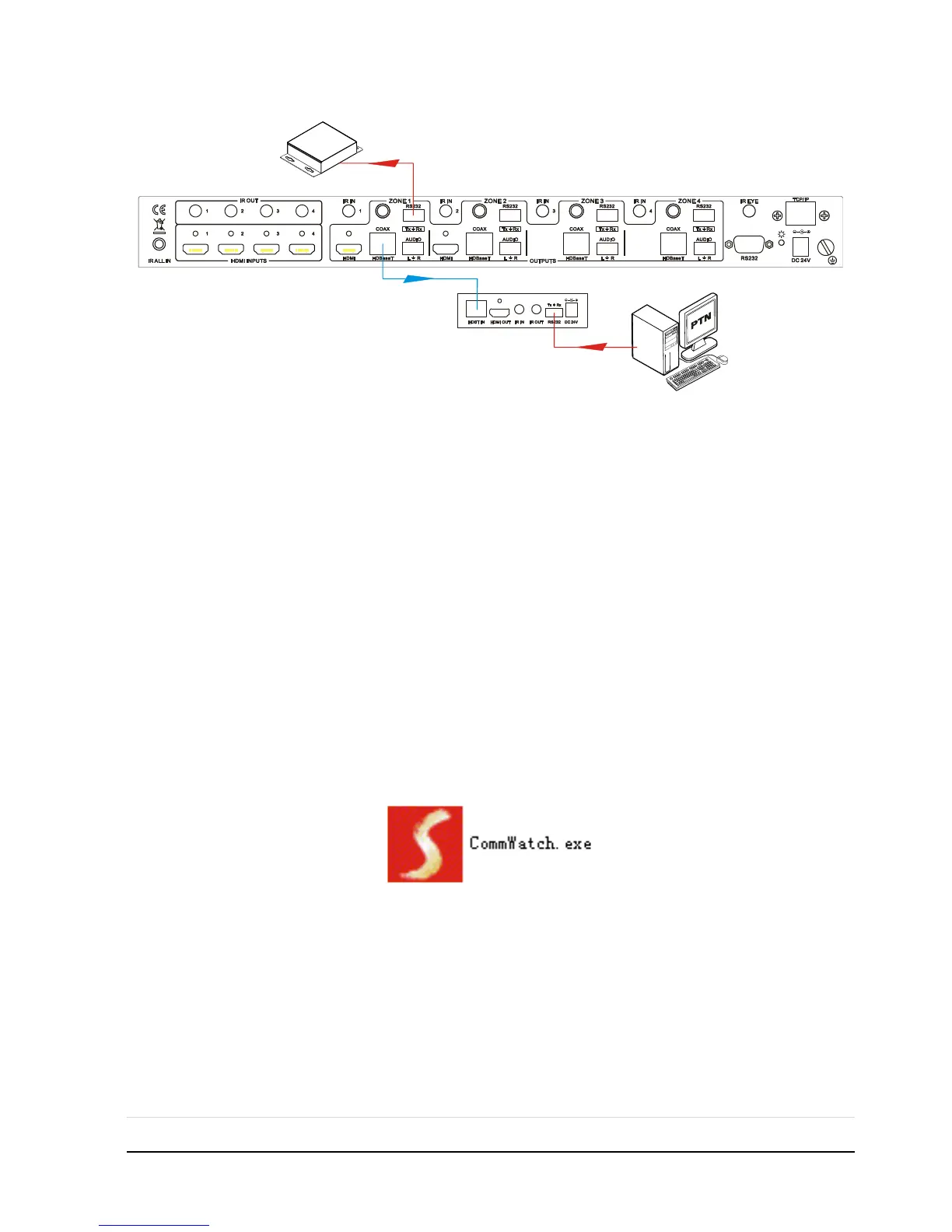
Control 3rd party device from remote
4.3.4 Installation/uninstallation of RS232 Control Software
Installation Copy the control software file to the computer connected with MX-
HDBASE4X4-4K.
Uninstallation Delete all the control software files in corresponding file path.
4.3.5 Basic Settings
Firstly, connect MX-HDBASE4X4-4K with an input device and an output device. Then,
connect it with a computer which is installed with RS232 control software. Double-click
the software icon to run this software.
Here we take the software CommWatch.exe as example. The icon is showed as below



 To Next Page