KANEXPRO MX-HDBASE4x4-4k
27 | P a g e
please remember the PC’s original network segment.
Step3. Set the MX-HDBASE4X4-4K’s network segment to the same as the router.
Step4. Set the PC’s network segment to the original ones.
Step5. Connect the MX-HDBASE4X4-4K and PC(s) to the router. PC(s) within the
LAN can control the MX-HDBASE4X4-4K asynchronously.
Then it’s able to control the device via GUI.
4.4.2 GUI for TCP/IP control
MX-HDBASE4X4-4K provides with built-in GUI for convenient TCP/IP control. GUI
allows users to interact with MX-HDBASE4X4-4K through graphical icons and visual
indicators.
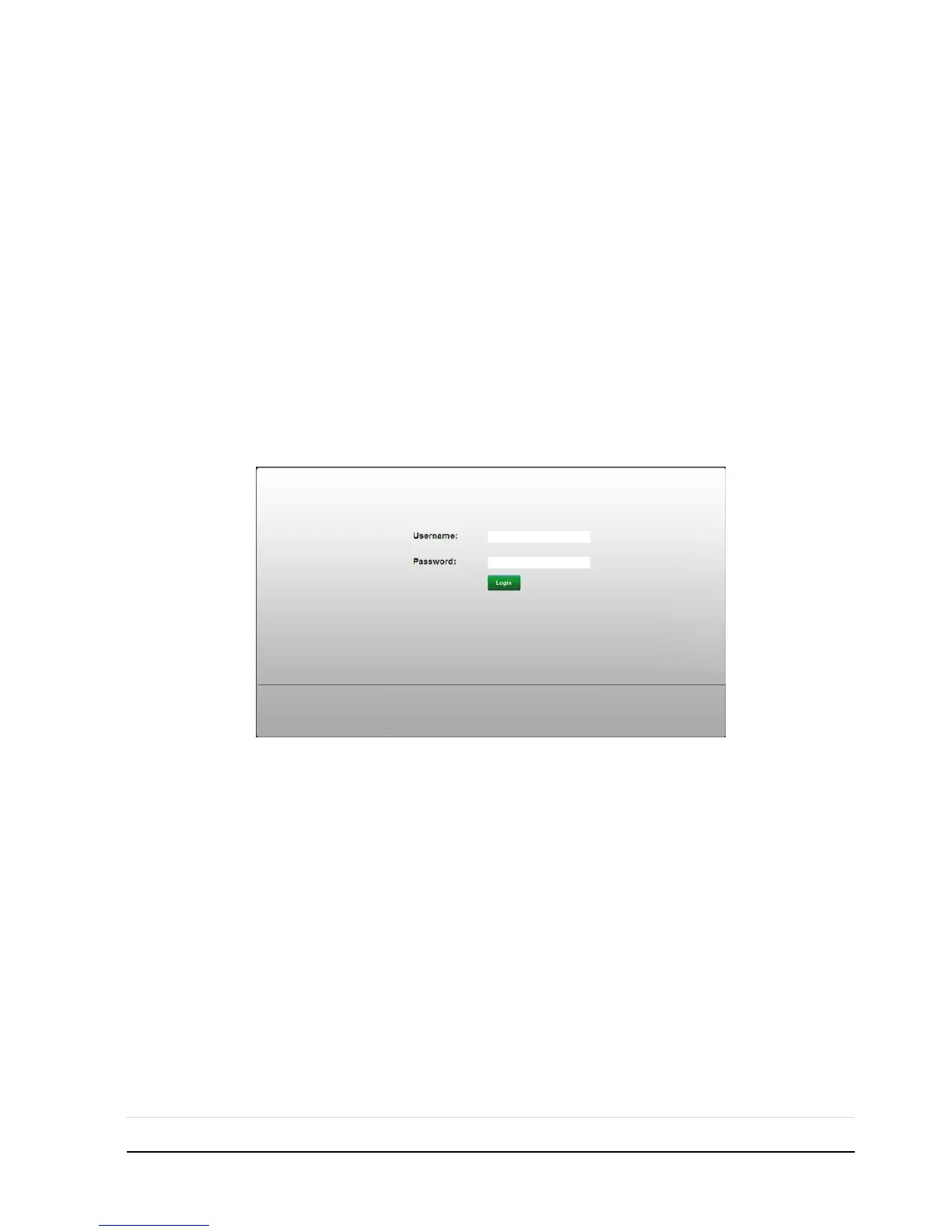
Type 192.168.0.178 in your browser, it will enter the log-in interface shown as below:
There are 2 selectable usernames – admin (default password: admin) and user (default
password: user). Log in as admin can access more configuration interfaces than user.
Enter username and the right password. Here is a brief introduction to the interfaces.
Main: Interface shown after logging in, provide intuitive I/O connection switching. See
the screenshot below:



 To Next Page