KANEXPRO MX-HDBASE4x4-4k
26 | P a g e
segment to the same as the MX-HDBASE4X4-4K’s.
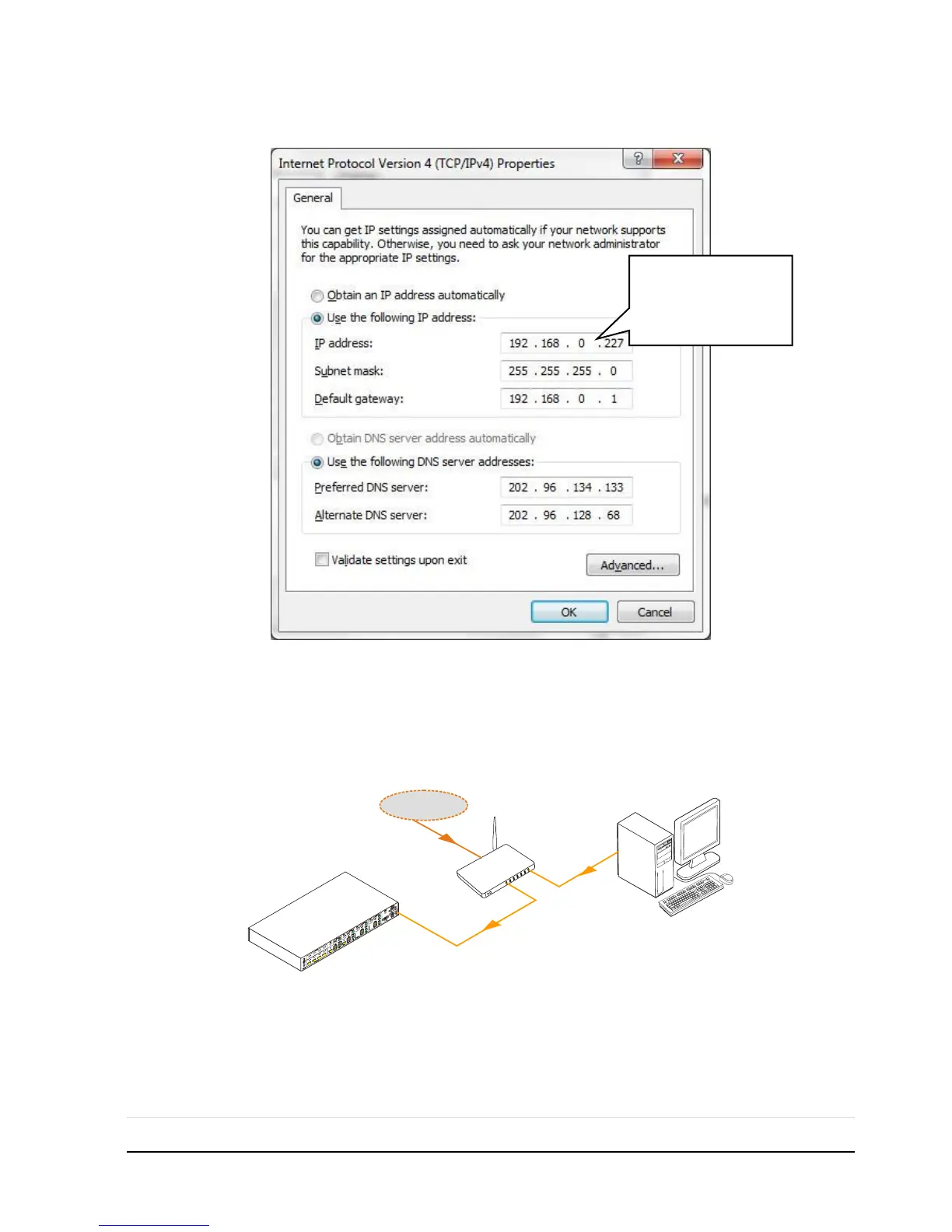
Controlled by PC(s) in LAN
Connect MX-HDBASE4X4-4K, a router and several PCs to setup a LAN (as shown in
the following figure). Set the network segment of MX-HDBASE4X4-4K to the same as
the router’s, then PCs within the LAN are able to control MX-HDBASE4X4-4K.
Follow these steps to connect the devices:
Step1. Connect the TCP/IP port of the MX-HDBASE4X4-4K to Ethernet port of PC
with twisted pair.
Step2. Set the PC’s network segment to the same as the MX-HDBASE4X4-4K’s. Do



 To Next Page