EasyManua.ls Logo

Kantronics KPC-2 - Page 24

Default Icon
86 pages
Print Icon
To Next Page IconTo Next Page
To Previous Page IconTo Previous Page
Loading...
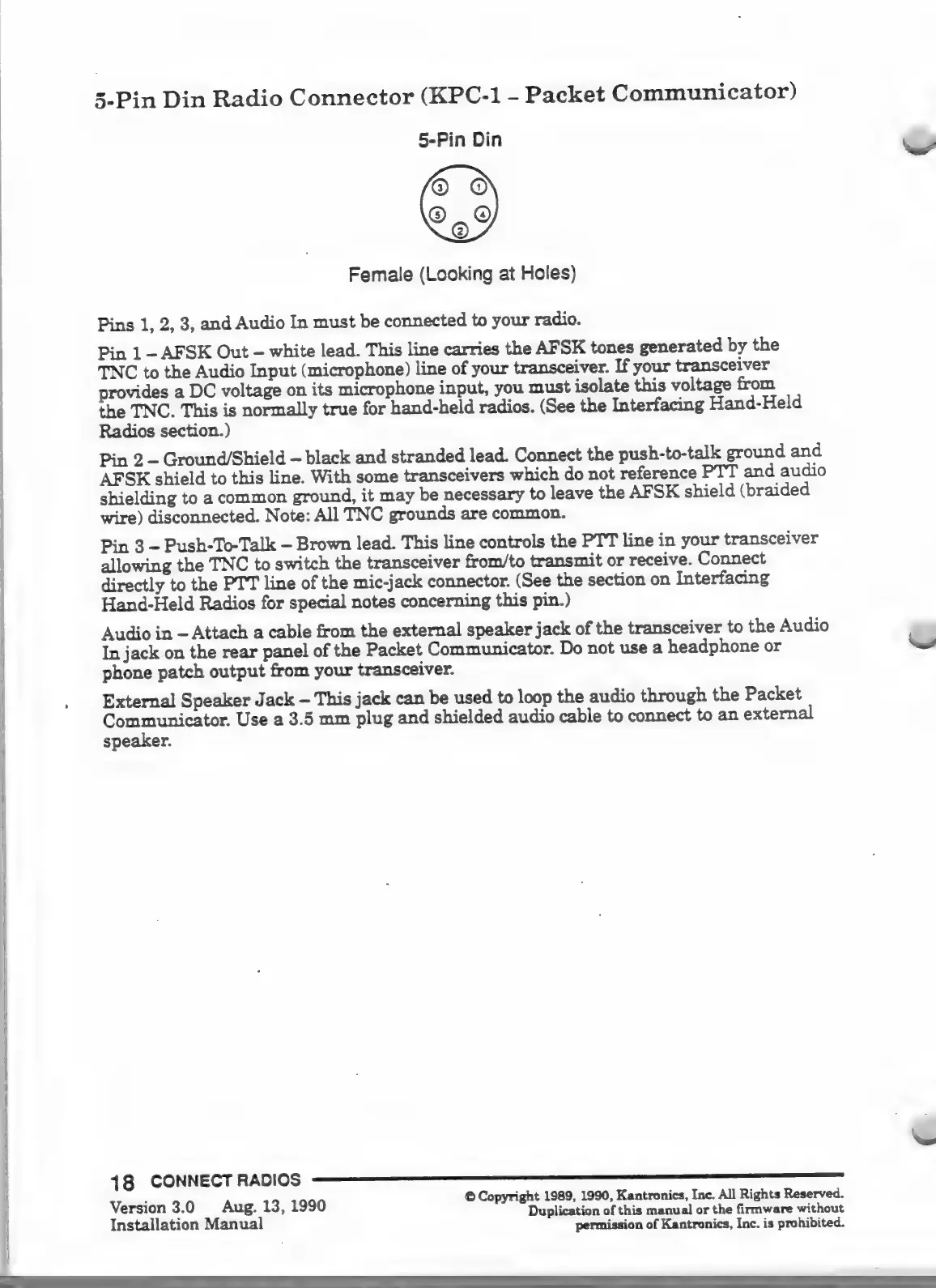
5-Pin
Din
Radio
Connector
(KPC-1
-
Packet
Communicator)
5-Pin
Din
o
©
959
Female
(Looking
at
Holes)
Pins
1,
2, 3,
and
Audio
In
must
be
connected
to
your
radio.
Pin
1
-
AFSK
Out
-
white
lead.
This
line
carries
the
AFSK
tones
generated
by
the
TNC
to
the
Audio
Input
(microphone)
line
of
your
transceiver.
If
your
transceiver
provides
a
DC
voltage
on
its
microphone
input,
you
must
isolate
this
voltage
from
the
TNC.
This
is
normally
true
for
hand-held
radios.
(See
the
Interfacing
Hand-Held
Radios
section.)
Pin
2
-
Ground/Shield
-
black
and
stranded
lead.
Connect
the
push-to-talk
ground
and
AFSK
shield
to
this
line.
With
some
transceivers
which
do
not
reference
PTT
and
audio
shielding
to
a
common
ground,
it
may
be
necessary
to
leave
the
AFSK
shield
(braided
wire)
disconnected.
Note:
All
TNC
grounds
are
common.
Pin
3
-
Push-To-Talk
-
Brown
lead.
This
line
controls
the
PTT
line
in
your
transceiver
allowing
the
TNC
to
switch
the
transceiver
from/to
transmit
or
receive.
Connect
directly
to
the
PTT
line
of
the
mic-jack
connector.
(See
the
section
on
Interfacing
Hand-Held
Radios
for
special
notes
concerning
this
pin.)
Audio
in
Attach
a
cable
from
the
external
speaker
jack
of
the
transceiver
to
the
Audio
In
jack
on
the
rear
panel
of
the
Packet
Communicator.
Do
not
use
a
headphone
or
phone
patch
output
from
your
transceiver.
External
Speaker
Jack
-
This
jack
can
be
used
to
loop
the
audio
through
the
Packet
WA
SR
OE
Use
a
3.5
mm
plug
and
shielded
audio
cable
to
connect
to
an
external
speaker.
©
Copyright
1989,
1990,
Kantronics,
Inc.
All
Rights
Reserved.
Aug.
13,
1990
Duplication
of
this
manual
or
the
firmware
without
permission
of
Kantronics,
Inc.
is
prohibited.
Version
3.0
Installation
Manual

Other manuals for Kantronics KPC-2

Related product manuals