EasyManua.ls Logo

Kantronics KPC-2 - Page 47

Default Icon
86 pages
Print Icon
To Next Page IconTo Next Page
To Previous Page IconTo Previous Page
Loading...
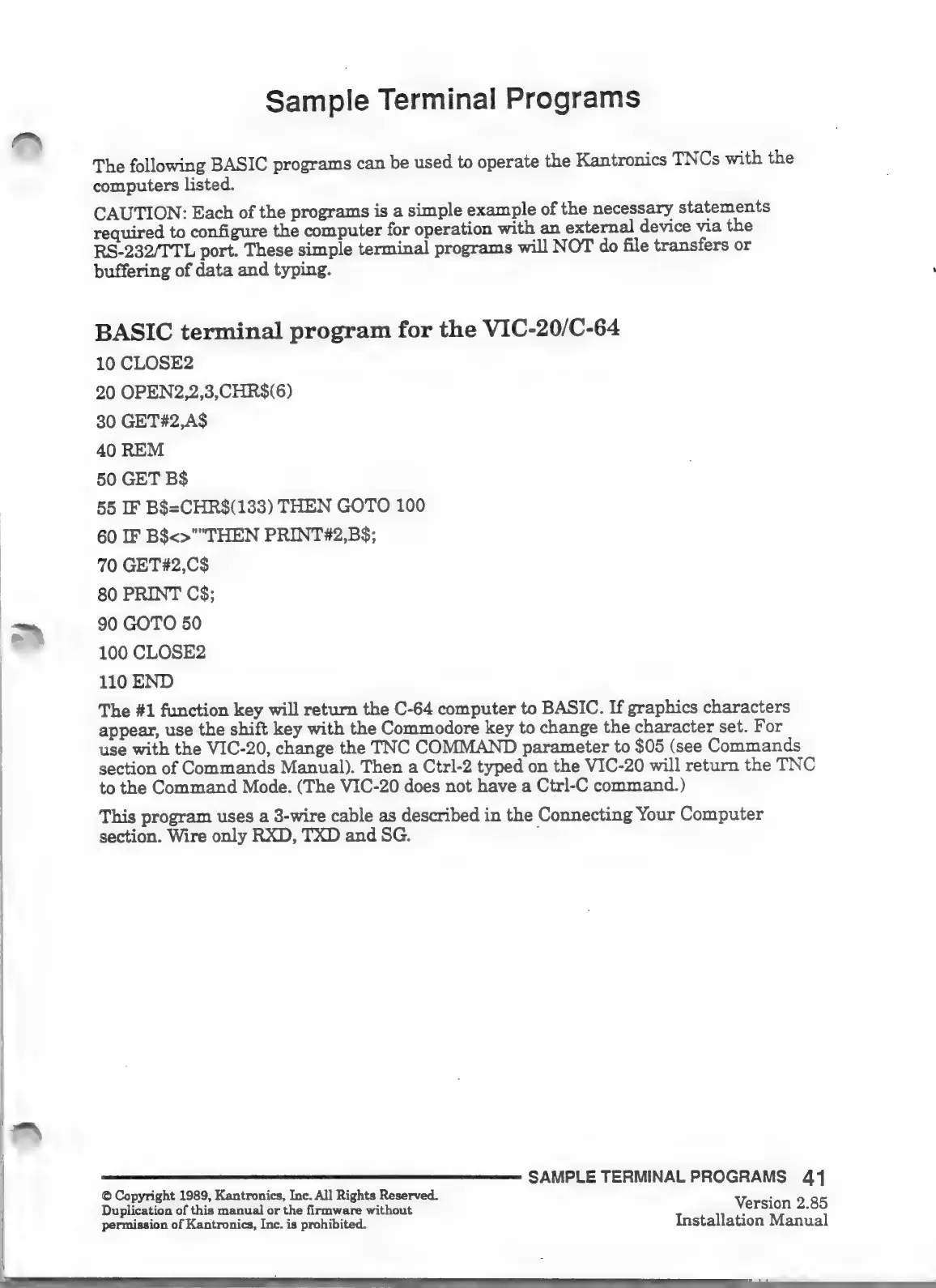
Sample
Terminal
Programs
The
following
BASIC
programs
can
be
used
to
operate
the
Kantronics
TNCs
with
the
computers
listed.
CAUTION:
Each
of
the
programs
is
a
simple
example
of
the
necessary
statements
required
to
configure
the
computer
for
operation
with
an
external
device
via
the
RS-232/TTL
port.
These
simple
terminal
programs
will
NOT
do
file
transfers
or
buffering
of
data
and
typing.
BASIC
terminal
program
for
the
VIC-20/C-64
10
CLOSE2
20
OPEN2,2,3,CHR$(6)
30
GET42,A$
40
REM
50
GET
B$
55
IF
B$=CHR$(133)
THEN
GOTO
100
60
IF
B$<>""THEN
PRINT#2,B$;
70
GET#2,C$
80
PRINT
C$;
Dm
90
GOTO
50
100
CLOSE2
110
END
The
#1
function
key
will
return
the
0-64
computer
to
BASIC.
If
graphics
characters
appear,
use
the
shift
key
with
the
Commodore
key
to
change
the
character
set.
For
use
with
the
VIC-20,
change
the
TNC
COMMAND
parameter
to
$05
(see
Commands
section
of
Commands
Manual).
Then
a
Ctrl-2
typed
on
the
VIC-20
will
return
the
TNC
to
the
Command
Mode.
(The
VIC-20
does
not
have
a
Ctrl-C
command.)
This
program
uses
a
3-wire
cable
as
described
in
the
Connecting
Your
Computer
section.
Wire
only
RXD,
TXD
and
SG.
SAMPLE
TERMINAL
PROGRAMS
41
©
Copyright
1989,
Kantronics,
Inc.
All
Rights
Reserved.
Duplication
of
this
manual
or
the
firmware
without
Version
2.85
permission
of
Kantronics,
Inc.
is
prohibited.
Installation
Manual

Other manuals for Kantronics KPC-2

Related product manuals