Getting started
- 5 -
4 . Connection with devices
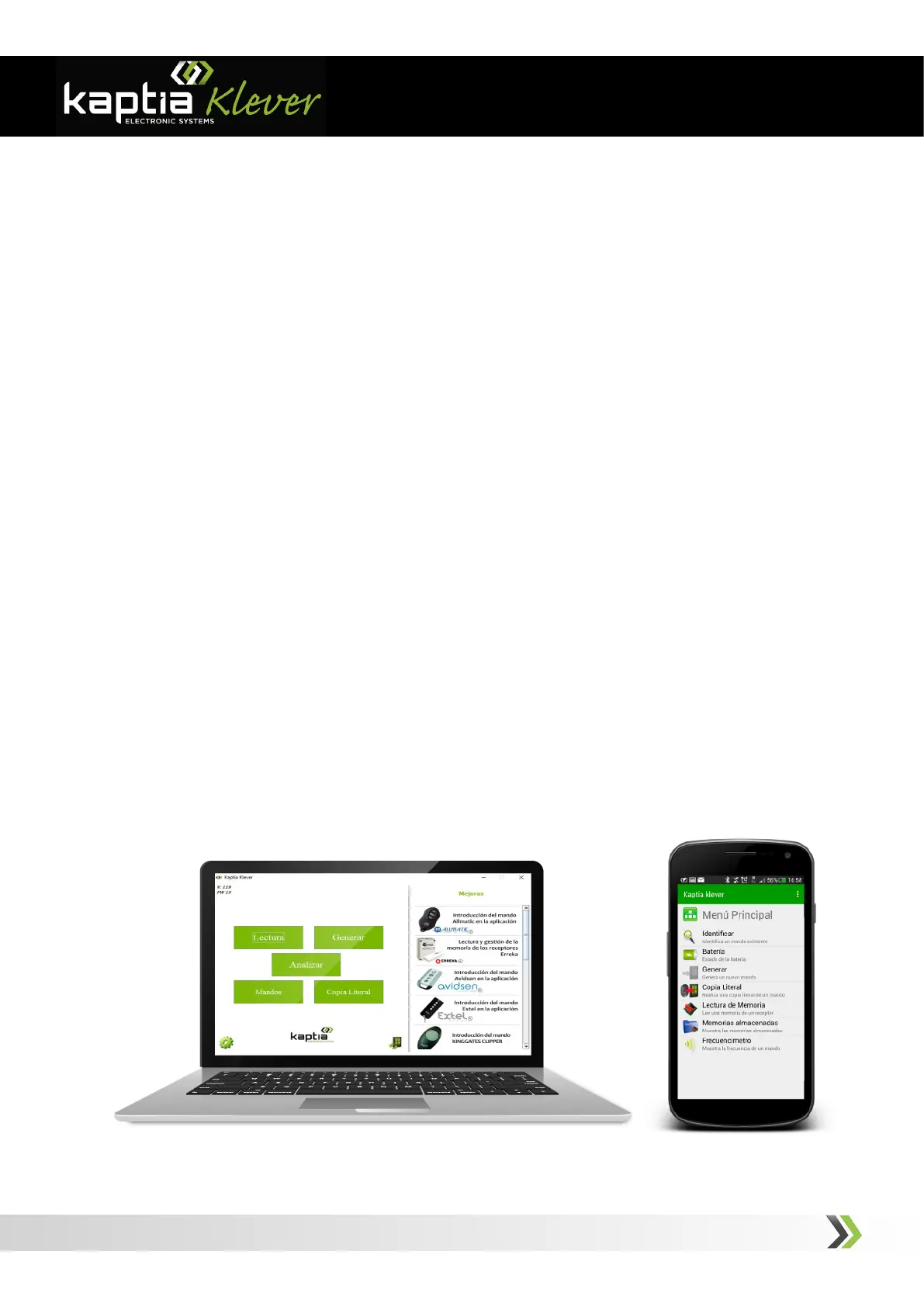
Kaptia Klvr can be used with a Windows® based PC through an USB port or with an
Android
® device through Bluetooth®.
- Connection with a Windows
® based PC :
1.
Plug USB memory supplied with console.*
2. Install software and device controllers.
3. Plug the console into PC USB port and power on the console.
Make sure that radio Bluetooth® is turned off.
3. Launch Kaptia Klever application and follow the indications. If you are not
signed up, please, do it before sign in by clicking on “Sign up” link.
- Connection with an Android® device through Bluetooth®:
1. Power on console and the Bluetooth® radio by pressing Bluetooth® button (FIG.
2). Blue led will flash at regular intervals.
2, Download Kaptia Klvr App from
Google Play
and launch it. This will turn
on Bluetooth® radio of your device, find console and link to it automatically. Follow
the indications, same as for PC based application.
* If USB
memory is not supplied, please, dowload software from www.kaptia.com



 To Next Page