Getting started
- 8 -
6 . Firmware Updates
KaptiaKlvr console has a system for updating the console’s firmware. Sometimes it is
possible that the console needs to be updated because of new versions available. We are
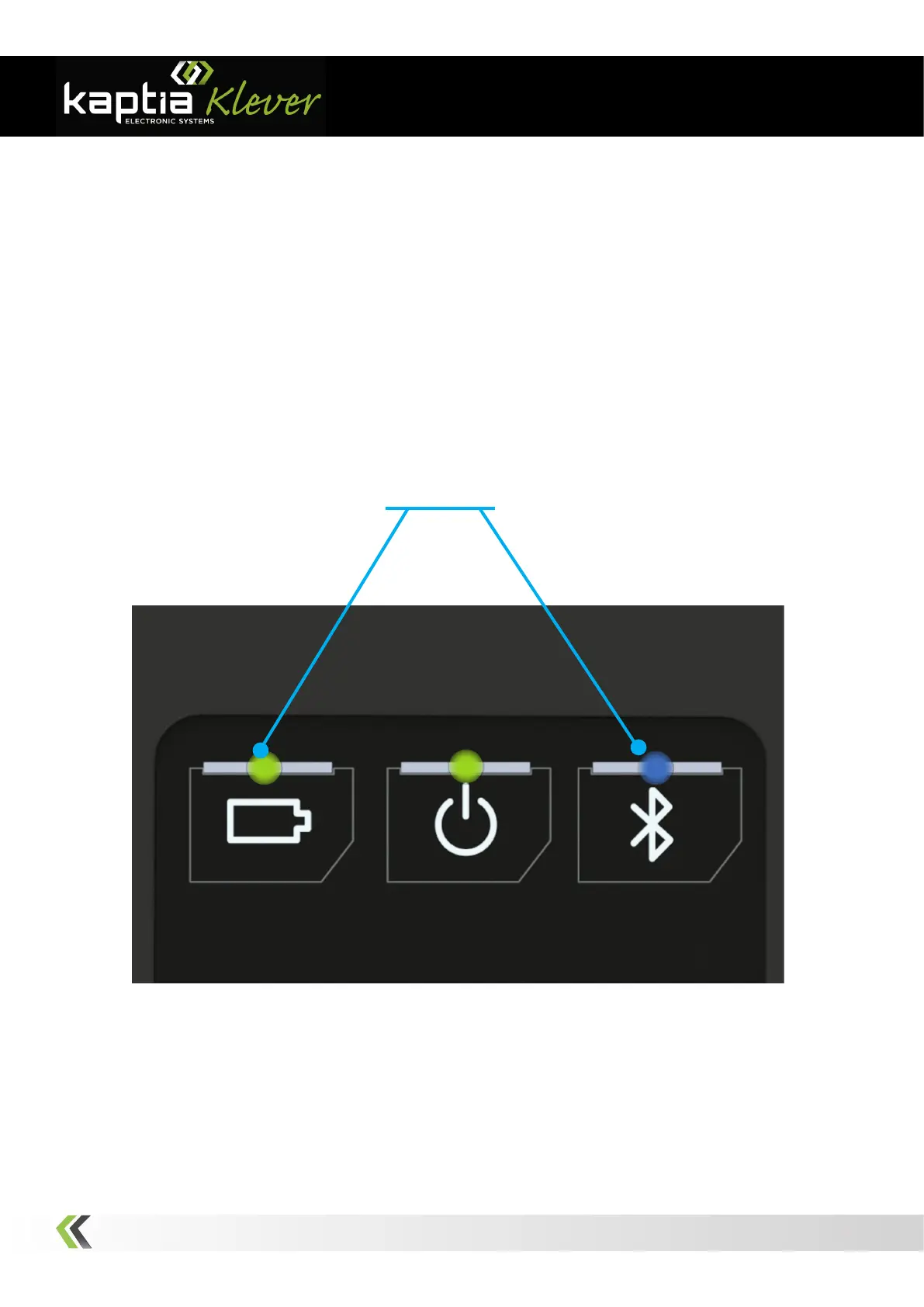
able to know that this proccess is running due to the program is going to indicate this fact
in the screen and the Battery Charge Status Indicator and the Bluetooth Link Indicator
will start to blink. Once this process has started, we strongly DO NOT RECOMMEND in-
terrupt it. When the updating is done, the system will go to the normal state. The console
can only be updated from a PC.
Note: Depending on the version of the console, the process may differ slightly from that described above.
Figure 5: Firmware Updating Mode
Blinking



 To Next Page