5
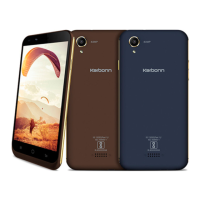
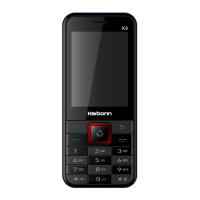
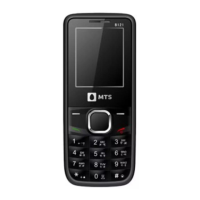
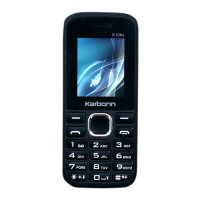
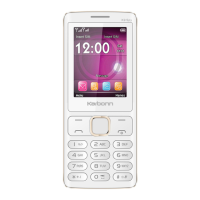
The pictures in this manual are only for reference, If individual picture does not match with
the product in kind. Please refer to the customer care..
Get Started
! Important: This device is designed to be used with a SIM card, use of incompatible
SIM cards may result in the device not working and could cause damage to the
device or SIM card. Make sure the phone is properly switched off when removing
battery and inserting the SIM
2.1 Battery
2.1.1 Remove and insert of the Battery.
When removing the battery follow the following steps:
① Firmly lift the battery cover from bottom left corner of the phone while the phone is
faced down;
② Gently push the battery forward and lift it up.
When inserting the battery follow the following steps:
① Make the battery metal contact completely with the phone in the battery
compartment, and then push the battery as shown in the picture below.
② Put the battery cover on.
Warning: Do not connect any external electric power directly to the battery, this
may result battery explosion and cause injury
2.1.2 Battery charging
Plug the charger connector with the phone, and plug the charger into the electrical outlet.
At this time the charge level icon will repeatedly flash at the top right corner of the
mobile phone’s screen; showing that battery is charging when charging is complete,


 To Next Page