7
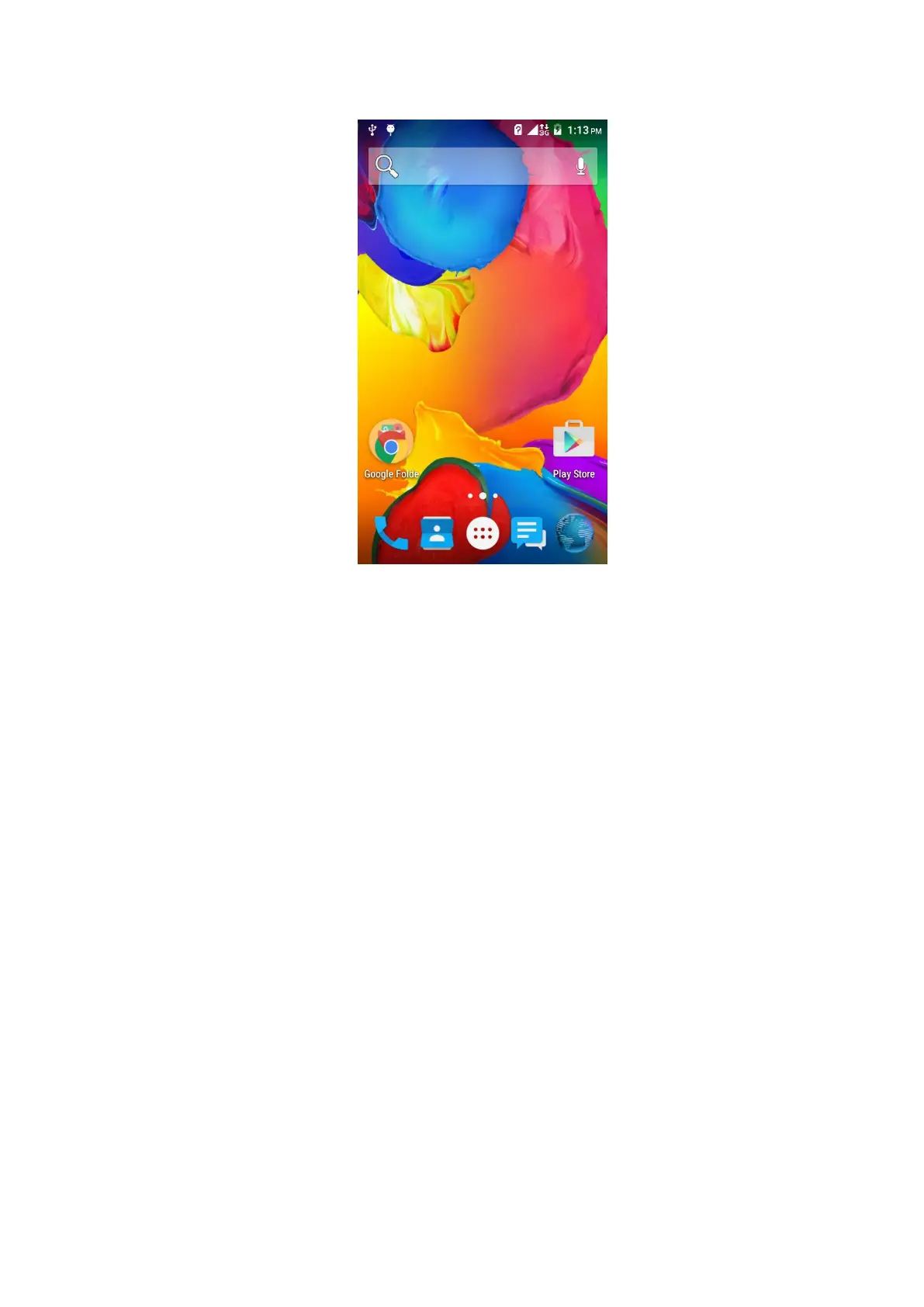
In addition to the diagram shown in the shortcut icon of the Home screen, need to add
or delete a folder, other shortcuts or widgets. When idle space after use, you can slide
horizontally on the screen to open the home of the extension interface and add the
desired content.
3 Function Menu
3.1 Using the mobile phone memory card as USB mass storage
1. Use USB line will be mobile phone connected to the computer. The status bar will
show the notification icon.
2. Open the notice panel.
3. In the notification panel, touch “USB connected”, and then touch "turn on USB
storage". when you want to disconnect, can touch ”turn off USB storage”


 To Next Page