English 23
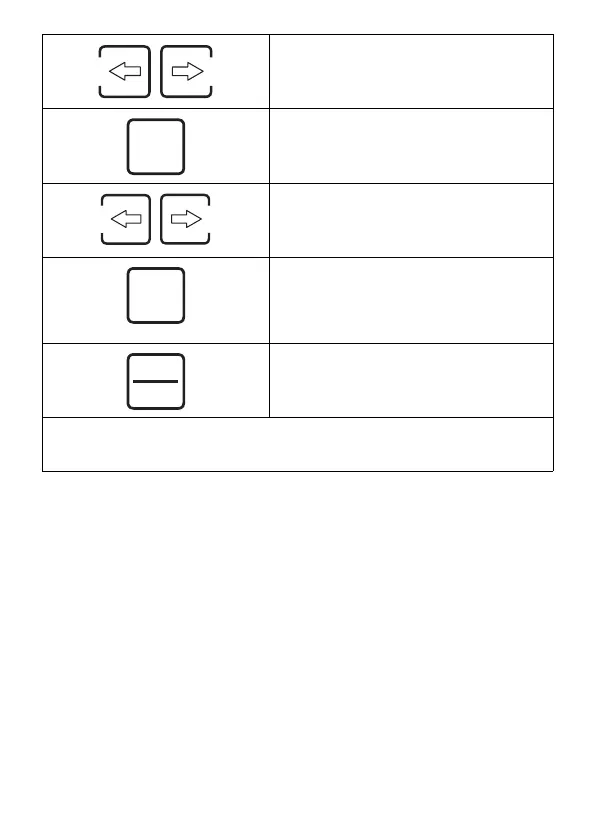
Set the minutes by means of the arrow
keys.
Confirm with the OK button.
The watering duration is flashing.
Set the minutes by means of the arrow
keys.
Confirm with the OK button.
The watering duration is set.
Further watering periods can be set us-
ing the arrow keys.
Leave the settings mode using the esc/
menu button.
Automatic watering is activated.
Note
Switch into the settings mode of the automatic watering using the esc/menu button
and the arrow keys for later changes of the settings.
Ok
Ok
esc
menu


 To Next Page