English 21
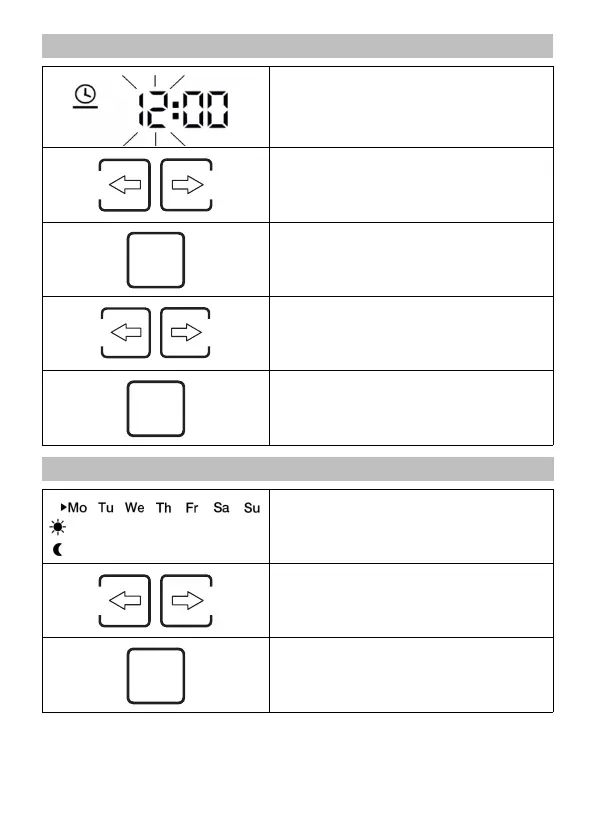
Setting the time upon initial start-up
Note: As soon as the battery is inserted, the
time flashes automatically.
Set the hours by means of the arrow
keys.
Confirm with the OK button.
The minutes are flashing.
Set the minutes by means of the arrow
keys.
Confirm with the OK button.
The time is set.
Setting the day of the week upon initial start-up
display: Monday through Sunday
Set the day of the week using the arrow
keys.
Confirm with the OK button.
The day of the week is set.
Ok
Ok
Ok



 To Next Page