3
ASSEMBLING THE PHONE
This section introduce how to assemble the phone with the components in the packing
list:
• Attach the stand;
• Connect Handset and Headset;
• Connect Network and Power.
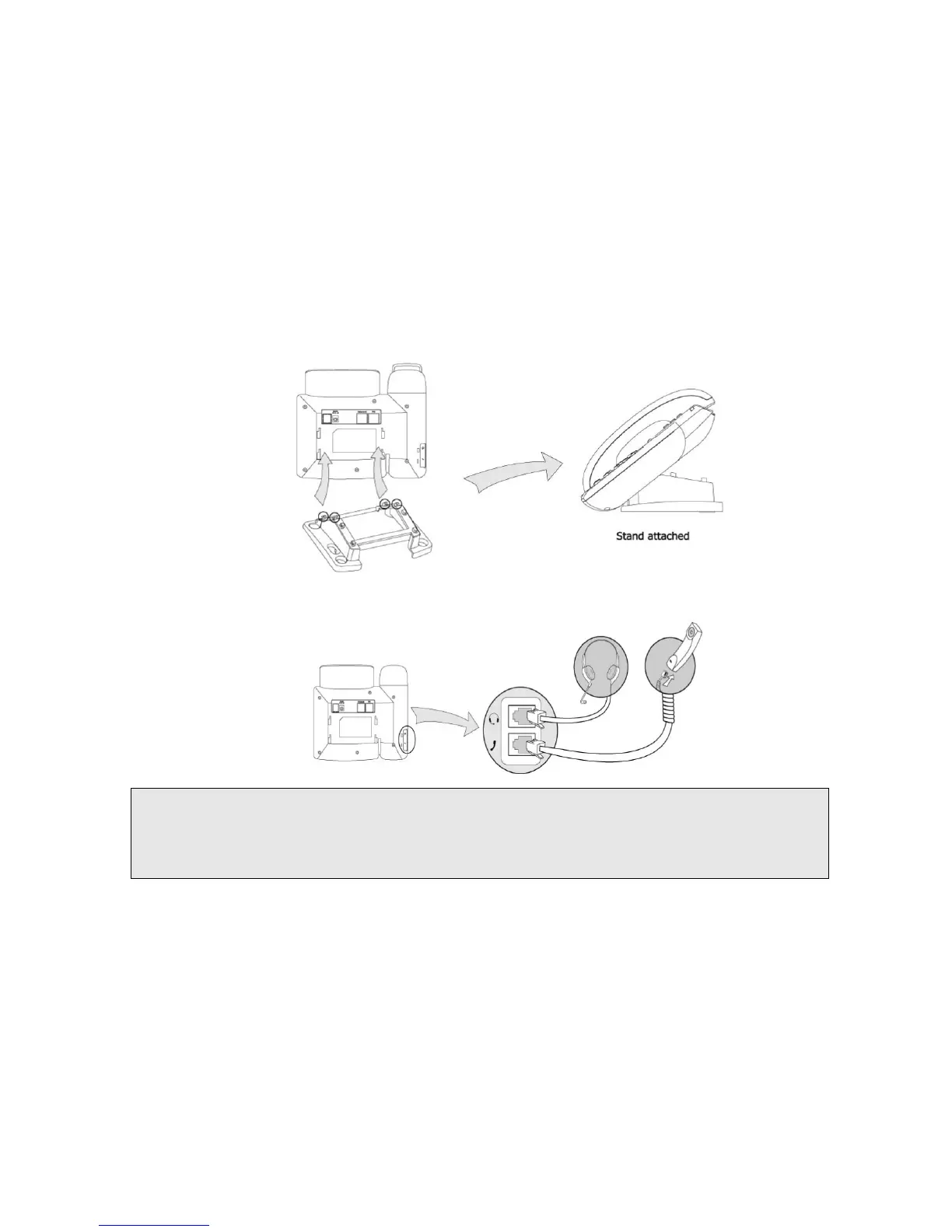
1) Attach the Stand, as shown below:
2) Connect Handset and Headset, as shown below:
Note:
Headset is not provided in the packing list. Please contact your distributor for more information.
3) Connect Network and Power
There are two ways for network and power source connections. You can either connect the
phone to the AC Power directly using the power adapter or to a PoE compliant switch or hub.
Your system administrator will advise you on which one to use.



 To Next Page