17
rate (monophony). Blank or other special characters can not be included in the file name.
Codec Selection
The IP phone supports the following voice codecs:
G.722, G.723_53, G.723_63, G.726-16, G.726-24, G.726-32, G.726-40, G.729, PCMU, and
PCMA.
You can enable/disable the desired codecs via Web interface. Please contact your
System Administrator for more details about the codecs.
To enable/disable the codecs:
1) Choose Account->Codecs.
2) Use the navigation keys to highlight the desired one in the Enable/Disable Codecs list, and
press the / to move to the other list.
3) Click Confirm button to save the change.
Note:
Codec Selection can be only set via Web interface.
CONTACT MANAGEMENT
Edit/Add/Delete Contact
You can store a large number of contacts in your phone's directory. You can add, edit,
delete, dial, or search for a contact in this directory.
To add a contact via Phone interface:
1) Press MENU->Directory->OK.
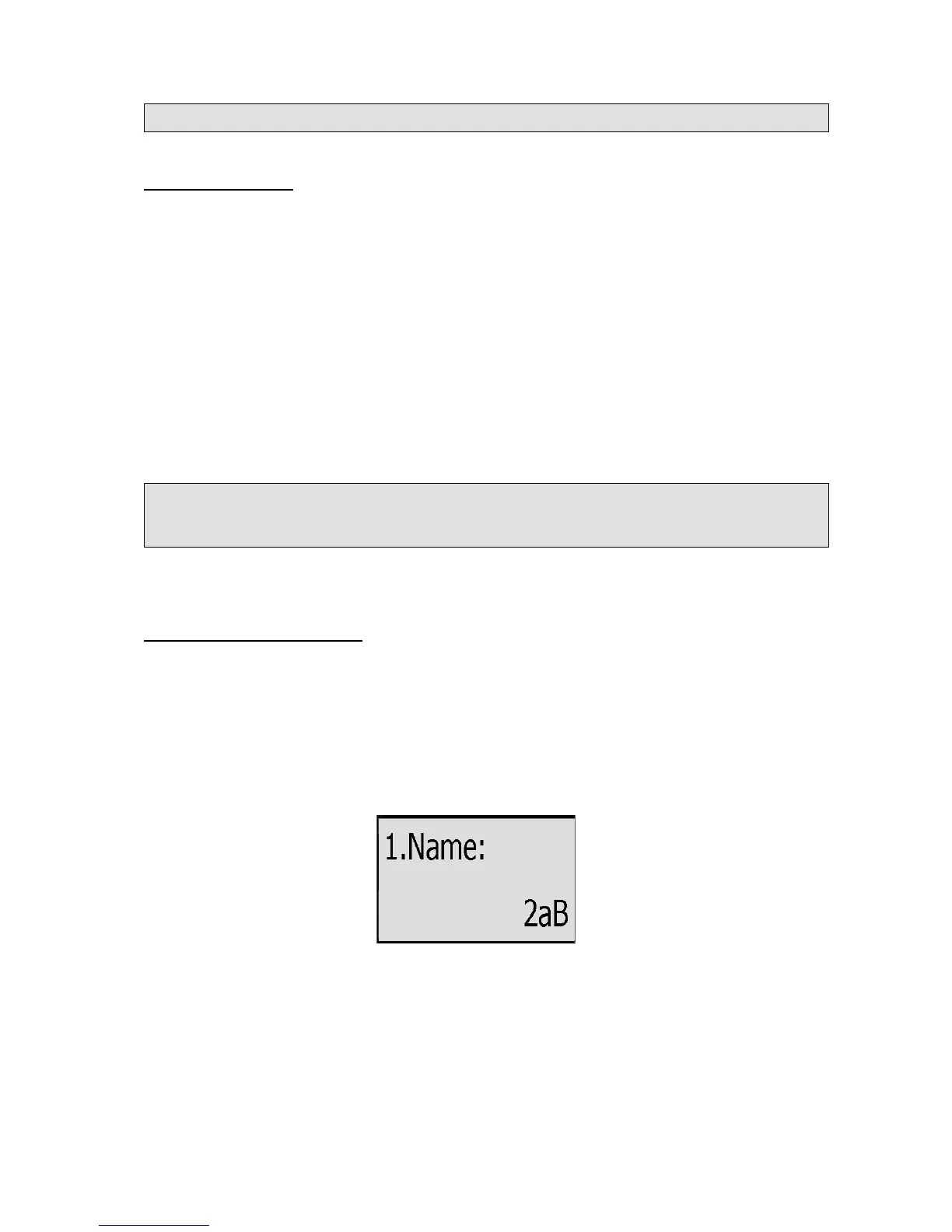
2) Press Up/Down navigation key to ADD page, Press OK button to start adding a new
contact, enter Name, phone number of the contact by the keypad. Use the 123 to select
between numeric and upper/lower case alphanumeric modes.
3) Choose and set a special ring tone for the contact.
4) Press OK button to add the contact, or MENU key to cancel the change.
To edit/delete a contact via Phone interface:
1) Press MENU->Directory->OK.
2) Use the Up/Down navigation key to highlight the contact you want to edit/delete, then
press left/right navigation keys to Edit/Del page.



 To Next Page