20
Use
04 Operation
ON/OFF KEY
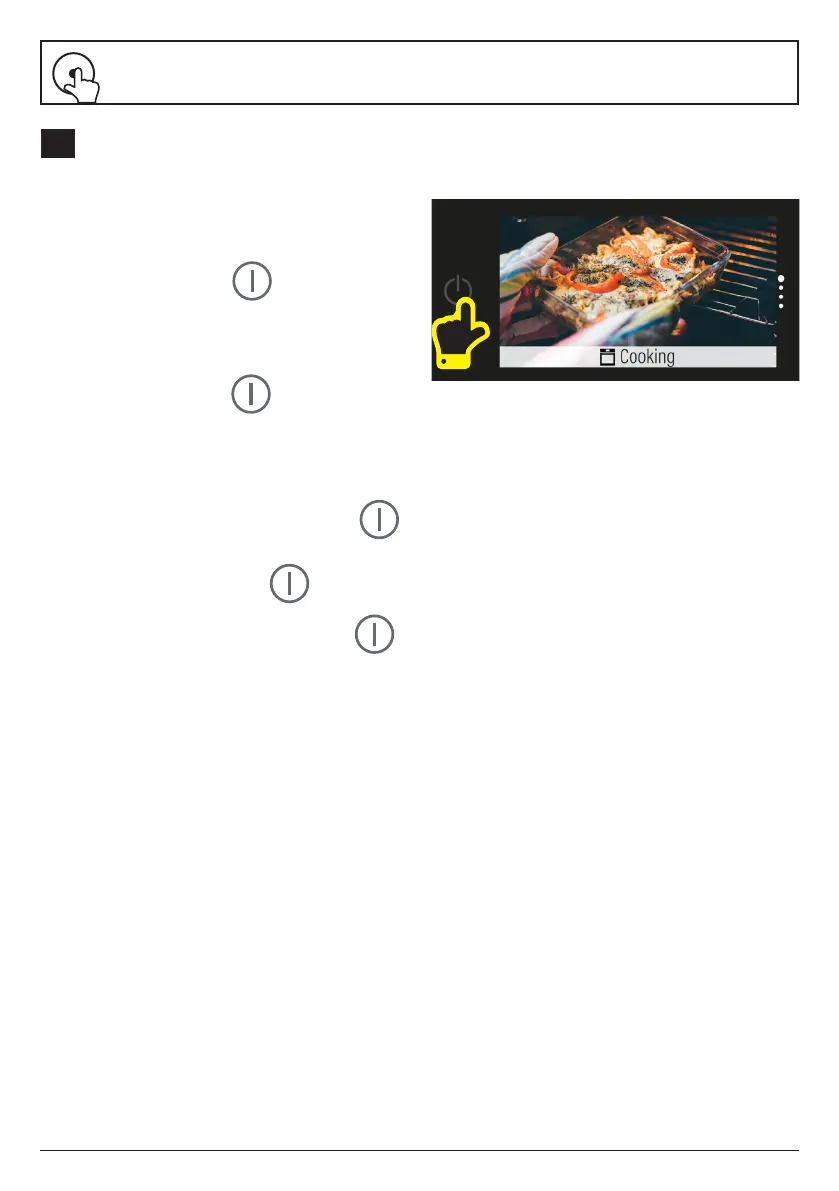
Turning the Screen On
Press the power button
Four main screens are displayed: Cooking,
Settings, Recipes and Ecosteam Clean.
Turning the Screen Off
Press the power button to turn it off
at any point.
1. Under cooking conditions, press and hold
the power button for 2 seconds to go to
Standby mode (clock screen).
2. Under non-cooking conditions, press
once to go to Standby mode (clock screen).
3. Under clock screen, press once to go
to Hibernation mode (screen o).
4. Under any condition, press and hold
for 8 seconds and the system will restart.


 To Next Page