KW6512 LinkSmart Wireless Router User Manual
14
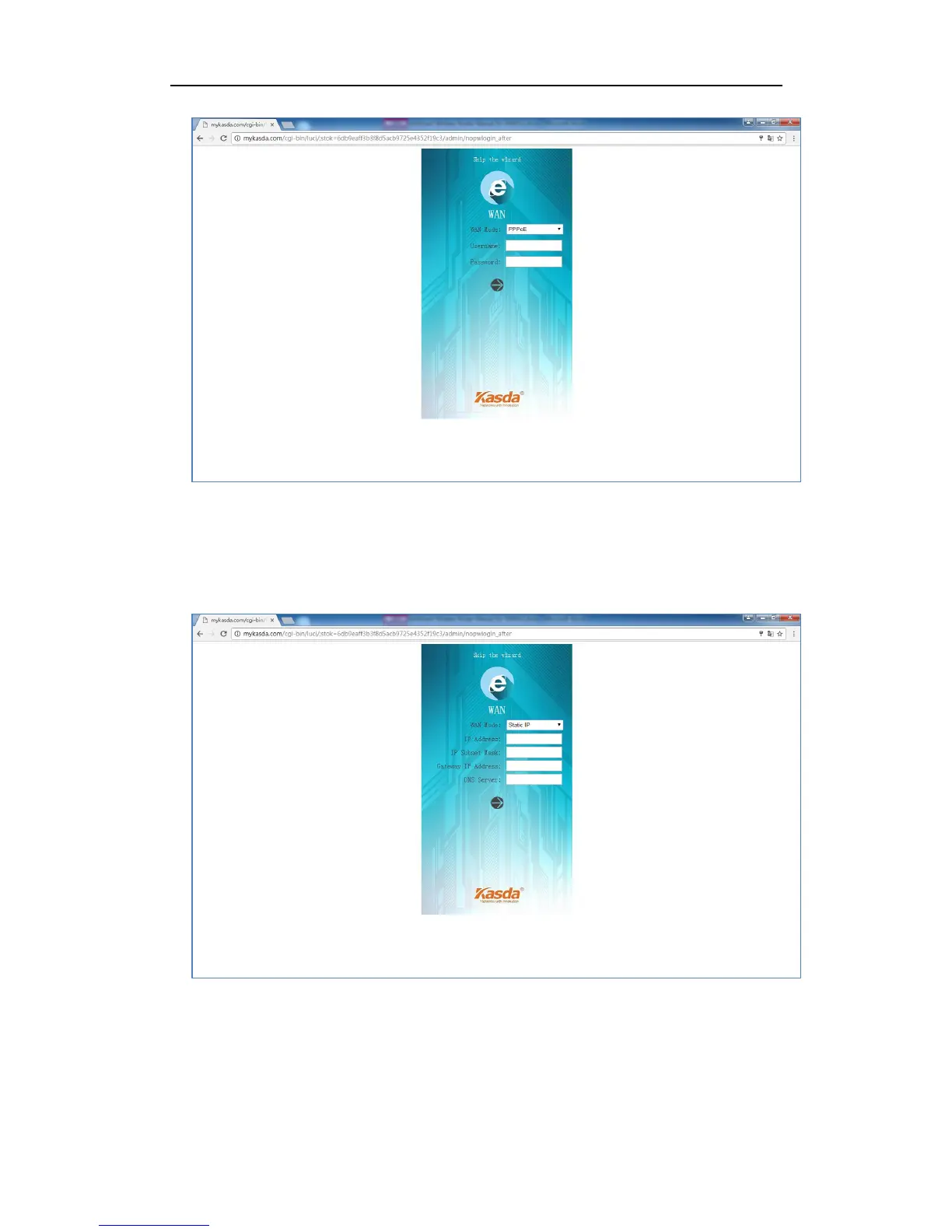
If you have an IP address to connect to the Internet, please choose “Static IP” as
your WAN Mode and type in the IP Address, IP Subnet Mask, Gateway IP Address
and DNS Server.
4. Set up your 2.4GHz and 5GHz SSID and password. Keep it as default or rename
the SSID and change the password as you like.



 To Next Page