KW6512 LinkSmart Wireless Router User Manual
16
6 Web-based Advance Management Guide
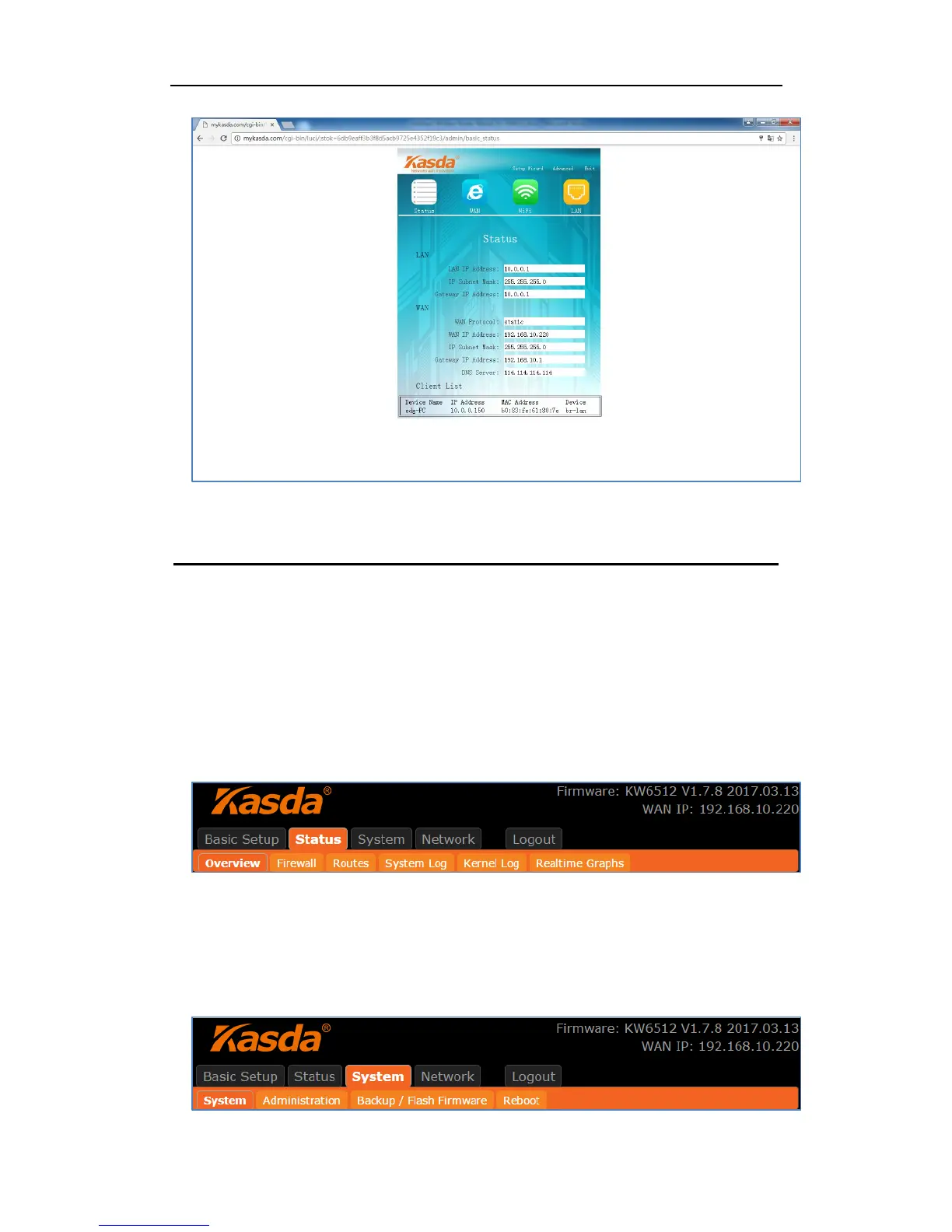
This chapter will introduce how to configure your router advanced behind the
advanced menu. There are four options: Status, System, Network and Logout.
6.1. Status
Click “Status”, you will go to the device information page. The page displays the
current status about Overview, Firewall, Routers, System Log, Kernel Log, and
Real time Graphs.
6.2. System
Click “System”, you will go the system page. In this page, there are six options:
System, Administration, Software, USB, Backup / Flash Firmware and Reboot.



 To Next Page