22
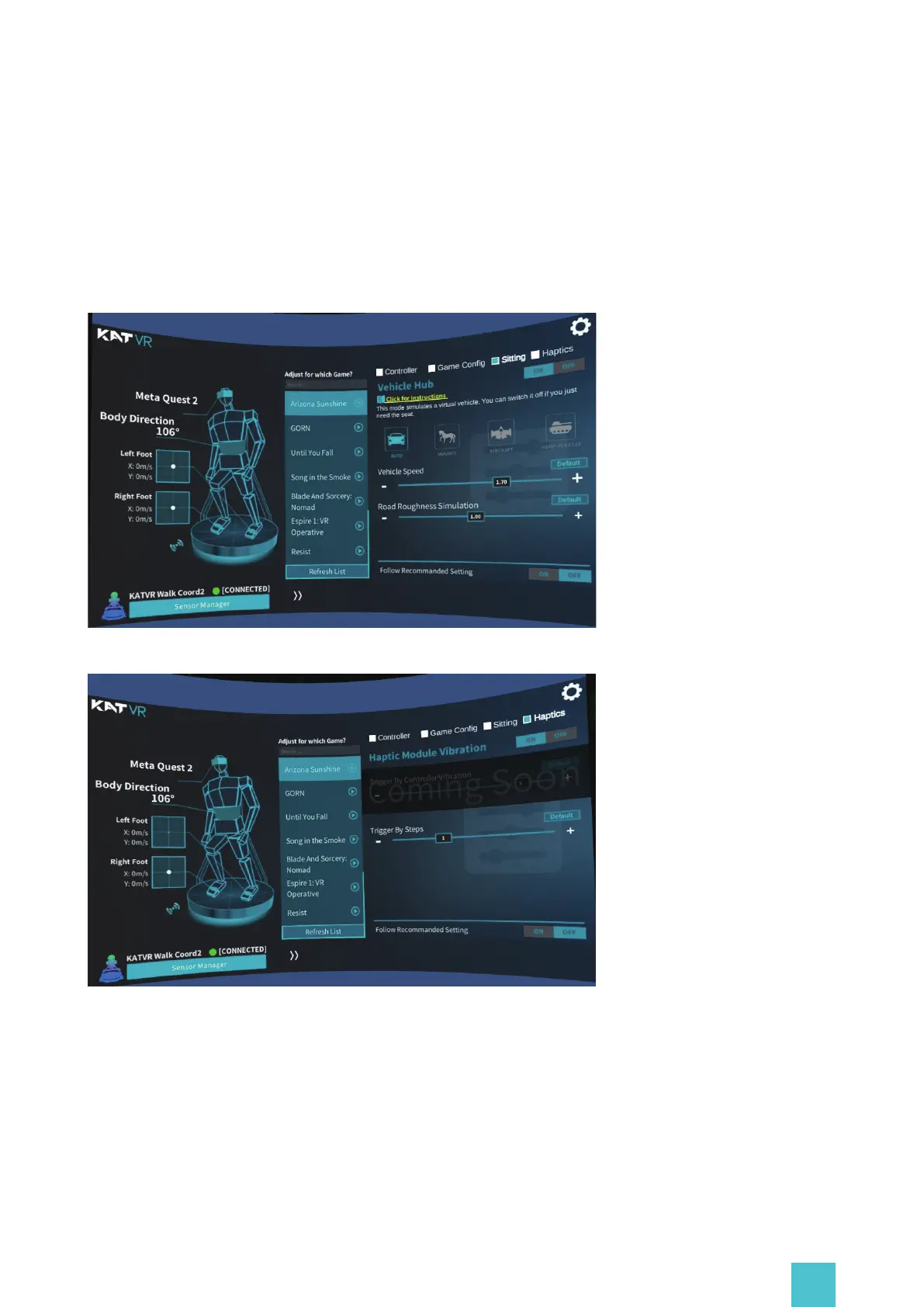
Haptics and Sitting
Haptic and Sitting Customization Settings available for C2 + only, please refer to KAT Vehicle
Hub User Manual.
https://download.katvr.com/product/literature/KAT%20Vehicle%20Hub%20Owner's%20Manual
1668589353045.pdf
4.B/Y: Press B/Y to walk;
5.Grip: Grab Grip button to walk;
6.Trigger: Press Trigger to walk;
7.None: Choose this option if you are playing a game without any walking function.


 To Next Page