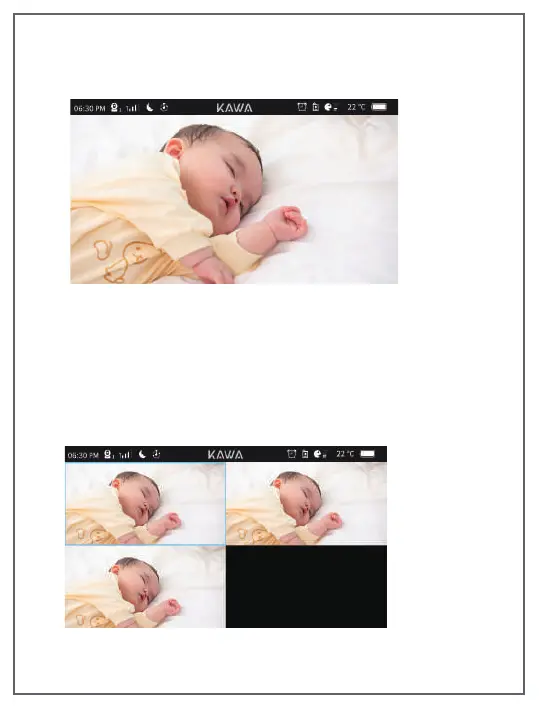
Multi-screen display
Multi-screen mode allows to view up with 2-screen, 3-screen and
4-screen. And you can operate the camera which its screen around
with blue lines, pan/tilt/zoom and "talk to baby ". The audio you
hear on the monitor comes from this camera. To switch to another
paired Camera, long press the【OK 】button for two seconds.
Full Screen
This mode allows you to see one camera in full-screen view.
12
EN


 To Next Page