EasyManua.ls Logo

Kayden CLASSIC 812 - User Manual

Default Icon
104 pages
Print Icon
To Next Page IconTo Next Page
Loading...
CRN
Canadian
Registration
Number
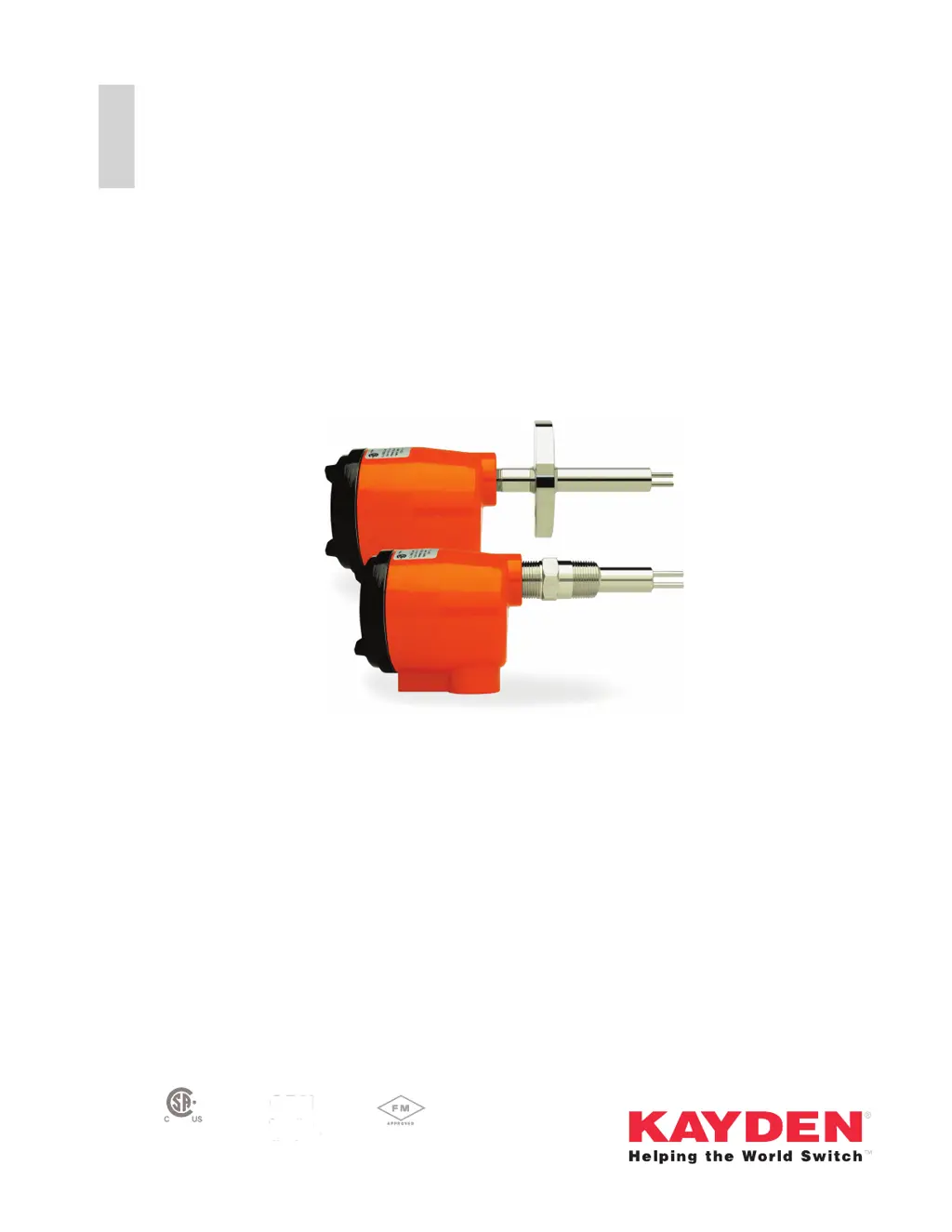
Product Manual
CLASSIC
®
Series
Thermal
Thermal Flow, Level, Interface &
Temperature Switches & Transmitters
CRN
Canadian
Registration
Number

Table of Contents

Questions and Answers

Summary

1. Introduction

Digital Electronics Features

Explains the advanced microprocessor and diagnostic features of the CLASSIC 800.

Principle of Operation

Explains how the thermal dispersion technology works using RTDs and a heating element.

Thermal Signal

Details how the thermal signal relates to flow, level, and interface measurements.

4-20 mA Analog Output

Describes the analog output signal configuration and behavior.

2. Installation Guidelines

General Installation Principles

Covers essential setup, location, shock, vibration, and temperature considerations.

Guidelines for Pipe Mounting

Details proper sensor insertion and mounting techniques for various pipe configurations.

Installing the Sensor

Covers sensor installation steps, process connections, and orientation.

Electrical Installation

Outlines general electrical requirements and wiring connections for the device.

Testing the Installation

Details procedures for self-test diagnostics, power-up, and manual testing of the installed unit.

3. Quick Setup Guide

Mechanical Installation

Steps for physically installing the CLASSIC sensor and transmitter.

Sensor Orientation

Proper positioning of the sensor for horizontal and vertical flow/level applications.

Heater Power

Explains heater power settings and recommended values for different applications.

4. Setup & Operation

Control Settings and Setup Procedures

Detailed instructions for configuring settings like relays, set points, and output.

View or Adjust Relay 1 & 2 Energized Mode

How to configure relays to energize lower or higher than the set point.

Failsafe Relay Configurations

Describes "fail-safe" setup methods for hazardous locations and pump protection.

Additional Setup Features Using Kayden RCM Software

Features available via RCM software not accessible from the front panel.

5. Modbus RTU Interface

6. Maintenance

7. Troubleshooting

LED Fault Indicator

Details how error conditions are detected and displayed via the FAULT LED.

LED Fault Codes

Lists fault codes displayed on the bar graph and their corresponding meanings.

Fault Code List

Comprehensive list of fault codes, descriptions, and recommended courses of action.

Fault Check List

Common causes of faults and steps to check when a fault occurs.

Restore Operation after a Fault

Methods for clearing faults and restoring normal operation, including factory reset.

How to Perform a Factory Reset

Step-by-step instructions for resetting the device to factory default settings.

How to Check the Sensor

Procedures for checking sensor resistances using an ohmmeter.

Appendix D: RCM Software Installation and Use

Install RCMS

Step-by-step instructions for downloading and installing Kayden RCM software.

Wire RS-485 Connection to CLASSIC

Guidance on connecting the computer to the CLASSIC device via RS-485.

Save CLASSIC Configuration

How to save device configurations to a file using RCMS.

Load CLASSIC Configuration

How to load saved configurations into the CLASSIC device using RCMS.

Kayden CLASSIC 812 Specifications

General IconGeneral
BrandKayden
ModelCLASSIC 812
CategorySwitch
LanguageEnglish

Related product manuals