13
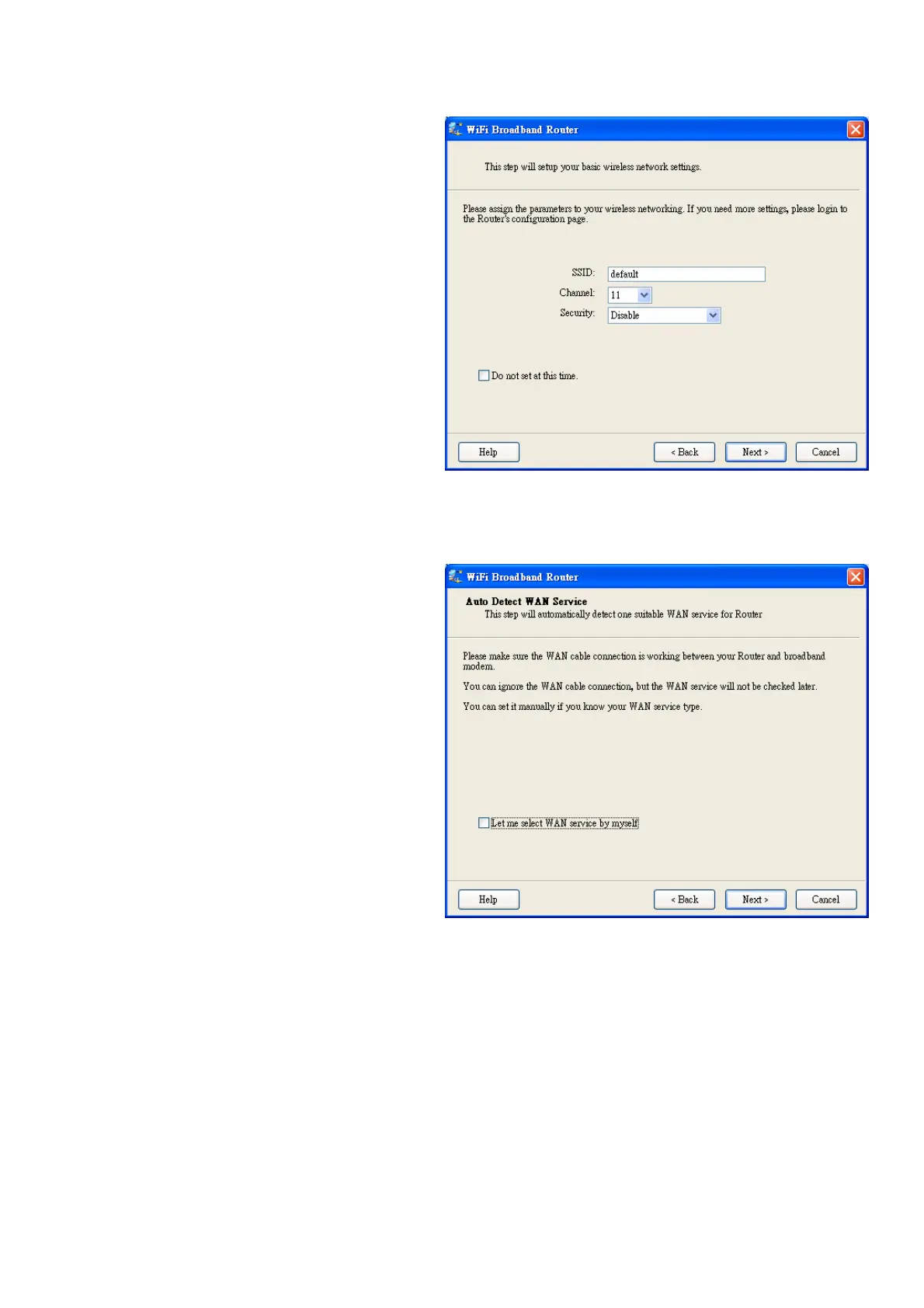
2.5. Wireless Setting.
Key in the SSID, Channel and Security
options, and then click “Next” for continues.
2.6 Auto Detect WAN Service.
Click “Next” for continue.
Click the button, “Let me select WAN service
by myself”, to disable this function.
Note: The Item supports to detect the
Dynamic and PPPoE WAN Services only


 To Next Page
 Loading...

